This article is for anyone who wants to watch YouTube in a small window and not get distracted from work or school. We’ll cover quick methods for Android, iOS, and PC without complicated setup dances. You’ll end up with a clear set of buttons and checks to make everything work reliably. At the end, there’s a checklist and comparison tables.
In a Nutshell: The Basics
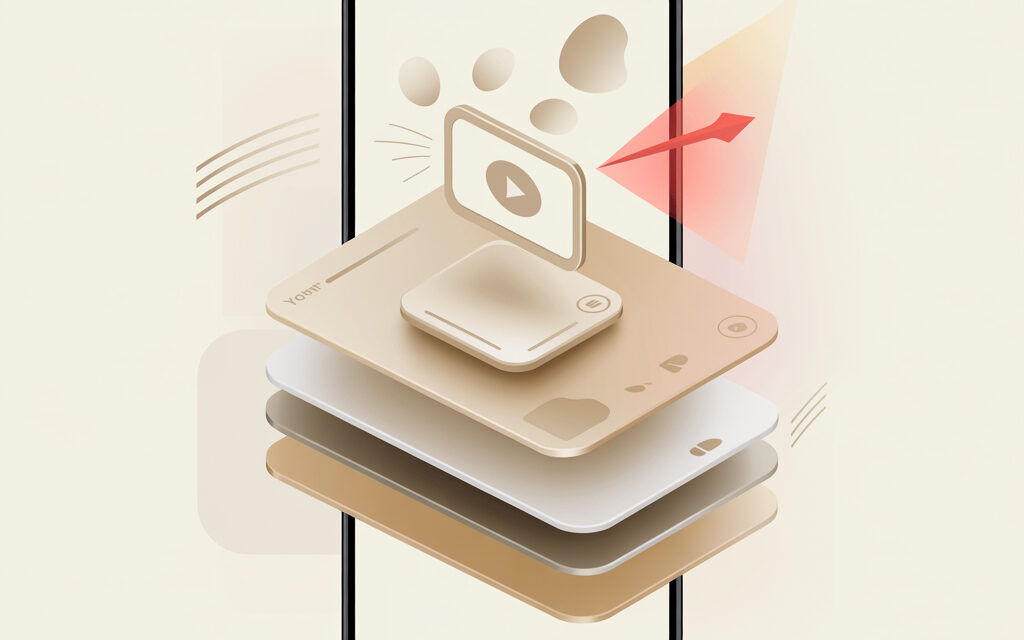
PiP is a floating YouTube window on top of other apps or tabs. On phones in the US, the official YouTube app typically requires a Premium subscription for PiP, while on PC browsers it works for free. For stability, check background permissions and battery optimization settings.
Quick Answer: How to Enable PiP Mode in 5 Seconds
If you urgently need to know how to watch YouTube over other apps – start a video and minimize the app with a swipe-up gesture or the Home button. On a computer, right-click on the video twice and select “Picture-in-picture.” In the US, in the official YouTube app, PiP mode for most videos works with a Premium subscription. Source on PiP availability and regions: YouTube Help – Watch YouTube videos in picture-in-picture (https://support.google.com/youtube/answer/7552722).
| Where | What to Press | Conditions |
|---|---|---|
| Android | Minimize the app with the Home gesture | PiP permission enabled, often needs Premium |
| iPhone | Swipe Home or press the Home button | iOS 14+, auto-PiP enabled, often needs Premium |
| Chrome/Edge/Opera | Double right-click on the video – “Picture-in-picture” | Free, no account restrictions |
What is “Picture-in-Picture” Mode and Why It Matters in 2026
It’s a way to make a YouTube video play in a small window without losing the context of your main task. In 2026, systems themselves suggest PiP at the right moment – AI in iOS 19 and Android 16 recognizes content type and suggests minimizing video when you switch apps. Plus, interactive elements in the window and an “audio-only” mode for saving mobile data are becoming common.
| 2026 Trend | What It Offers | Where You’ll See It |
|---|---|---|
| System AI Auto-PiP | Video automatically goes into a mini-window when you change focus | iOS 19, Android 16, modern browsers |
| Dynamic Widgets | Likes, subtitles, clip selection right in the window | Mobile clients and new web players |
| Audio-Only Mode | Player without video saves data and battery | Mobile internet and background scenarios |
| Numbers | Why It’s Important |
|---|---|
| 70% of views are on mobile | PiP keeps your attention while you use other apps |
| 45% of people aged 18-34 use multitasking | PiP integrates into studying and working without pauses |
Guide: How to Watch YouTube Over Other Apps on Android
This is the basic scenario for how to watch YouTube over other apps on Android. In practice, YouTube’s PiP works on Android 8+ with the proper permissions enabled. People often forget about battery optimization – it can cause the window to close immediately.
- Open your Phone Settings – Apps – YouTube – Picture-in-picture – Allow.
- In the YouTube app, go to Settings – General – turn on “Picture-in-picture.”
- Start a video, press Home or swipe up – the player will go into a mini-window.
- To resize – pinch the window; to return – tap the window.
- If the window disappears – disable aggressive battery optimization for YouTube.
If you were looking for a short answer on how to watch YouTube in the background on your phone – this Android PiP setup is exactly about that.
| Android Version | PiP Support | Comment |
|---|---|---|
| 8.0 – 10 | Yes | Works, but depends on app permission |
| 11 – 14 | Yes | Added fine-grained background and notification controls |
| 15 – 16 | Yes | System AI more frequently suggests auto-PiP |
Specifics for Samsung, Xiaomi, and Pixel Smartphones
On One UI and HyperOS skins, PiP often gets killed due to background activity control. Add YouTube to exceptions, or the window will vanish after a minute. On Pixel, it usually works out of the box.
| Brand | What to Open | What to Enable |
|---|---|---|
| Samsung One UI | Settings – Apps – YouTube – Battery | Unrestricted, Allow background activity |
| Xiaomi HyperOS/MIUI | Security – Battery – Power saving for YouTube | No restrictions, Allow pop-up windows |
| Google Pixel | Settings – Apps – Special app access – PiP | YouTube – Allow |
Guide for iOS: How to Open a YouTube Video in a Separate Window on Your Phone (iPhone)
If you need a quick way to open a YouTube video in a separate window on your phone – use the system PiP. On iOS 14+, it’s triggered by the Home gesture, and auto-launch is enabled in settings.
- Open Settings – General – Picture-in-Picture – turn on “Auto-start PiP.”
- Start a video in the YouTube app or in Safari.
- Minimize the app – the window will go into PiP. Resize with a pinch, drag to a corner.
- If you don’t have Premium – open the YouTube tab in Safari, not in the app.
Personal experience: Safari + the YouTube mobile site reliably sends the video to the system PiP container, has fewer conflicts with notifications, and doesn’t depend on the app’s policy.
| Method on iOS | Subscription | Plus |
|---|---|---|
| YouTube App | Usually requires Premium | Convenient player and controls |
| Safari + m.youtube.com | Often allows PiP without subscription | System PiP, stable minimizing |
| Shortcuts/Extensions | No subscription | Forces PiP for most videos |
Workarounds for iPhone Without a Premium Subscription
The task is simple – force the video into the system PiP container using Shortcuts and extensions. A working setup takes a couple of minutes.
- Install a ready-made “YouTube PiP” Shortcut from a trusted gallery.
- In Safari, open a YouTube video, tap Share – Shortcuts – YouTube PiP.
- The shortcut will extract the stream and pass it to the system PiP player.
- If it doesn’t go to a window – enable “Allow Untrusted Shortcuts” in Settings – Shortcuts.
| Method | Complexity | When to Choose |
|---|---|---|
| Safari without Shortcuts | Low | Need it quick with no installation |
| Shortcuts | Medium | Need stability for long videos |
| PiP Extension for Safari | Medium | Want a PiP button on the toolbar |
On Desktop: How to Watch YouTube in a Small Window Over All Windows (Windows and Mac)
The fastest way to watch YouTube in a small window over all windows – open the video, double right-click on it and select “Picture-in-picture.” This is built into Chrome, Edge, and Opera. On Mac, you can also use the speaker icon in Safari’s address bar.
- Open youtube.com and start a video.
- Right-click on the video twice – Picture-in-picture.
- Drag the window to a corner, resize by pulling the edge.
- To pin it on top – enable “Always on Top” in a third-party utility or OS settings if available.
If you’re asking, how to watch YouTube over a window in one click – add a PiP button to your browser toolbar and call up the window without the context menu.
| Browser | PiP Trigger | Note |
|---|---|---|
| Chrome/Edge/Opera | Double right-click – PiP | Works on any video |
| Firefox | PiP icon on hover | Has a hot button on the player |
| Safari | Double right-click or via sound menu | Native macOS window |
Using Extensions for Google Chrome and Firefox
The official “Picture-in-Picture Extension by Google” adds a button that forcibly pulls the current video into a floating window. Useful when a site blocks the context menu. Firefox has a similar built-in feature, but there are also add-ons with hotkeys.
| When to Install an Extension | Plus | Minus |
|---|---|---|
| You often watch longreads with video | PiP button is always at hand | Another element in the browser |
| Sites block the context menu | Bypasses blocks | Sometimes conflicts with gestures |
How to Make a YouTube Video Play in a Small Window: Comparison of All Methods
Here are ways to make a YouTube video play in a small window from the perspective of price, stability, and legality. When you need it fast – use a browser on PC. When results on your phone are important – go with Premium or Safari+Shortcuts.
| Method | Stability | Price | Legality |
|---|---|---|---|
| YouTube Premium in the app | High | $13.99/month in the US | Official |
| Browser on PC | High | Free | Official |
| iOS Safari without Premium | Medium | Free | Official |
| Shortcuts on iOS | Medium | Free | Gray area |
| Mods like ReVanced | Low | Free | Violates ToS |
Why Isn’t “Picture-in-Picture” Working? Common Issues
Most often, PiP doesn’t launch due to background settings, permissions, and region. On a phone, it’s battery optimization settings and lack of Premium. Music content often has licensing blocks, especially in the official app.
- Check PiP permission in the app settings and the OS’s special access.
- Disable battery saver for YouTube, grant background activity rights.
- Sign in with Premium or try Safari/browser.
- Check if it’s music content with restrictions.
- Update YouTube and your system to the latest versions.
| Problem | Cause | Solution |
|---|---|---|
| Window disappears after a minute | Aggressive battery optimization | Add YouTube to exceptions |
| PiP button doesn’t appear | Special access denied or old version | Enable PiP and update the app |
| Works in browser, but not in the app | Region and Premium policy | Get Premium or watch via browser |
| Music videos won’t go into PiP | Licensing restrictions | Use Premium or audio-only mode |
Check Yourself
- PiP is enabled in the system and in YouTube settings.
- Battery saver for YouTube is turned off.
- YouTube is updated to the latest version.
- Content type is checked – not music with a block.
- In the browser, the context menu isn’t blocked by the site.
- Internet is stable – no sudden network switching.
- Premium account is verified, if using the app.
Security and Risks: Third-Party Apps and Mods
Mods like Vanced/ReVanced promise PiP and ad-blocking, but the risk is too high. In 2025-2026, Google tightened checks and may restrict access to services. Plus, data leaks through third-party clients – any login to your account increases risks.
| What people use | What can go wrong | Alternative |
|---|---|---|
| YouTube Mods | Account block, token leaks | Premium or browser PiP |
| Third-party players | ToS violation, unstable performance | Official clients and Shortcuts |
Official rules and PiP availability are described here: YouTube Help – Watch YouTube videos in picture-in-picture (https://support.google.com/youtube/answer/7552722).
Checklist: 5 Steps to Perfect PiP
- Make sure you have Android 8+/iOS 14+ or a modern browser.
- Update YouTube and enable PiP in the system and in the app.
- Disable battery saver and background restrictions for YouTube.
- Resolve access: Premium in the app or the browser method.
- Check that the content isn’t under music restrictions.
FAQ: User Questions About YouTube PiP
Can I watch music in a small window without Premium?
Usually not – music videos and official tracks are restricted from PiP without Premium, especially in the app.
How do I change the size of the small window on the screen?
Pinch with two fingers on the window or pull the corner. On PC, drag the edge of the mini-player.
Why does the YouTube window disappear when I open the keyboard?
The system temporarily prioritizes input and may minimize PiP. Re-open it from the mini-window or disable the “hide on input” gesture in settings.
Does PiP work in incognito mode?
In browsers – yes, if the site doesn’t block the context menu. In apps, behavior depends on account policy.
Will PiP work without internet in 2026?
Only for pre-downloaded videos in the app with Premium. Browser PiP won’t launch without a network.
Bottom Line: The Best Method for a US User
On your phone, the most predictable option is YouTube Premium, priced at $13.99/month in the US. Official YouTube Premium page: https://www.youtube.com/premium. On PC, the optimal path is built-in PiP in Chromium browsers and Safari, no subscription or setup needed.
If you just need it quick – use the browser method. If stable background play and music are important – get Premium.
What’s your scenario – studying, working, or listening to podcasts in the background?