Why is YouTube slow on my phone?
YouTube is the largest video platform, but even it sometimes glitches and “freezes”. Why is YouTube slow on my phone? The reasons lie not only in a weak internet connection but also in the fact that the app itself regularly updates, and your smartphone may not keep up with new features. Often, “video lags” due to an overheated processor or full storage where “cache optimization” hasn’t been done in a long time. Add to this “YouTube lag” caused by conflicts with background services, and you get a recipe for slow performance even on top-tier devices. Below, we will break down all the common causes and give practical tips to “speed up loading” of videos.
Main reasons for YouTube being slow on your phone
- Unstable connection. “Weak internet” with high latency instantly causes buffering.
- Full cache. When “cache optimization” hasn’t been done for months, the device starts to delay every action by milliseconds.
- Outdated software. Old versions of YouTube or Android/iOS manage memory poorly and create “YouTube lag”.
- Hardware limits. Budget models have little RAM, so “video lags” when running parallel apps.
- Network restrictions. Some providers throttle Google’s CDN traffic.
Hardware limitations and their impact on app speed
If your smartphone is more than three years old, even simple scrolling through the feed creates micro-stutters. The graphics processor overheats, and the system lowers frequencies, which increases lag. For a test, go to “Developer Options” and enable “Show CPU frequency” – you’ll see how cores become “cold” during 1080p playback. Solution: either lower the video quality or close heavy background services to free up RAM.
What to do if video lags on YouTube on your phone?
What to do if video lags on YouTube on your phone? Start with something simple: run a speed test in your browser. If the speed is less than 5 Mbps, YouTube will inevitably lower the resolution and “YouTube lag” will begin. Next, clear the app cache: Settings → Apps → YouTube → Storage → Clear Cache. Often this is enough so that a “video accelerator” is not needed. If the problem persists, try switching your Wi-Fi access point or temporarily switch to mobile data. We discuss this situation in detail in the article Why YouTube only works through mobile internet.
Checking your internet connection and network speed
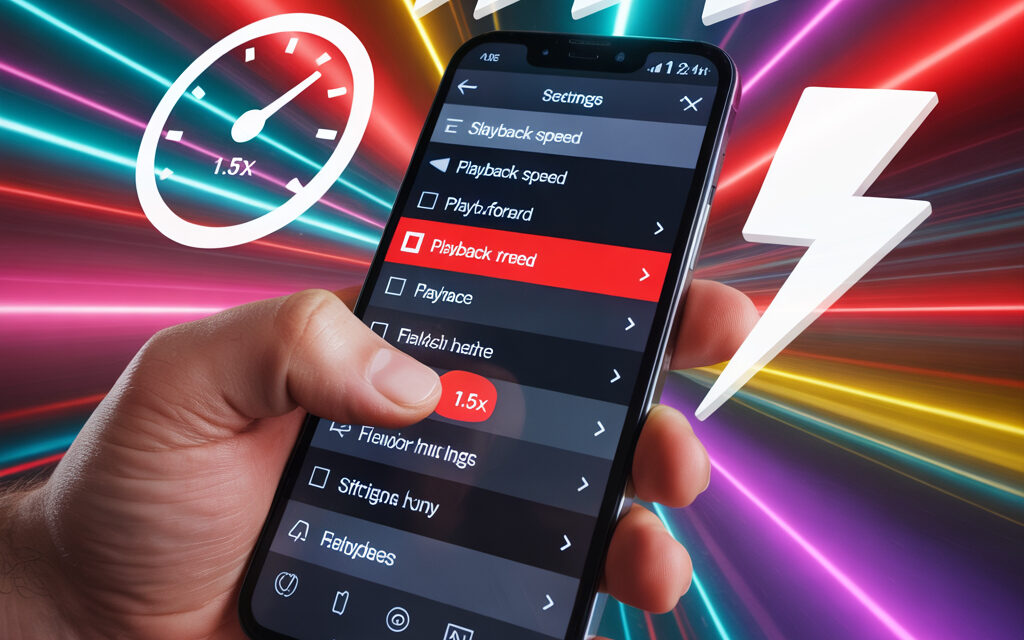
Check your ping – values above 100 ms provoke “video lags” even with good upload speed. For “weak internet”, lowering the quality to 480p helps. Reminder: while traveling, use the “Offline download” mode to “speed up loading” of needed videos in advance.
Optimal video quality settings for a weak signal
| Parameter | Where to find | Recommended value |
|---|---|---|
| Default resolution | YouTube → Profile → Settings → Quality preferences | 360p-480p with LTE < 5 Mbps |
| Download only via Wi-Fi | Settings → Background playback | Enable |
| Autoplay | Settings → Autoplay | Disable |
How to make YouTube half-screen will help you watch clips in a floating window without unnecessary lags.
What to do about YouTube slowing down on your phone?
What to do about YouTube slowing down on your phone? First, go to the “Storage” section and compare the size of YouTube’s cache with your free storage space. If the cache is > 500 MB, feel free to clear it. Then check for updates: Google often patches the “video accelerator” and improves “cache optimization”.
Clearing the app cache and data
Clearing the cache frees up to 1 GB and removes 90% of lags. Do this once a week – or set up automatic deletion through the built-in storage manager.
Updating the app and operating system
Don’t put off updates: the latest version of YouTube is optimized for current CDN protocols. Plus, security patches close holes through which third-party processes could distort buffering.
How to speed up YouTube on your phone: quick settings
Want an instant effect? Use built-in life hacks from Google engineers.
How to speed up YouTube on your phone through app settings
Open “Video settings” and activate “Prefer AV1” – the new codec reduces traffic without losing quality, which “speeds up loading” even with “weak internet”. Don’t forget to turn off HDR if your screen doesn’t support high brightness – this will remove extra load from the GPU.
How to speed up YouTube on your phone by clearing background processes
Go to the recent apps menu and swipe away social networks: “video lags” especially when Instagram or TikTok are hanging in RAM. Background sync from Google Photos also eats up bandwidth.
How to speed up YouTube on your phone using a VPN or alternative DNS
A VPN with a nearby server shortens the route to the nearest Google node. The public DNS from Cloudflare (1.1.1.1) is often faster than your provider’s. Set it up in your Wi-Fi settings and test the improvement.
How to make sure YouTube doesn’t lag? Step-by-step guide
How to make sure YouTube doesn’t lag? Follow these steps and check off the boxes – this is the universal method.
- Run a speed test.
- Clear YouTube cache.
- Restart your device.
- Disable background auto-updates.
- Change your DNS.
- Check for updates.
Step-by-step check of power saving and startup settings
System power saving modes cut CPU frequency and sharply increase “YouTube lag”. Disable adaptive power saving while watching. Allow YouTube to auto-start so the process isn’t unloaded from memory.
Setting up developer mode for advanced users
Enable “USB debugging” only when necessary: it can block hardware acceleration. Reset the background process limit to “Standard” – this will reduce buffering.
Why is my YouTube slow even with fast internet?
Why is my YouTube slow even with fast internet? Sometimes the issue is on Google’s side: regional overload of CDN servers slows down the delivery of HLS segments. You can check this via DownDetector. Another factor is the operator’s blocking software if it applies HTTPS filtering.
Issues on Google’s server side and regional restrictions
During global outages, a VPN with an exit to a less congested region helps. If YouTube is testing a new ad algorithm, temporary “YouTube lag” is inevitable.
Diagnosing conflicts with other apps and services
Try playing the stream in Android “safe mode” – if there are no lags, then third-party software is to blame. Ad blockers often create conflicts.
What is the app called for speeding up YouTube and is it worth installing?
What is the app called for speeding up YouTube? The most talked-about accelerators are YouTube Vanced, NewPipe, and SkyTube. They can natively “speed up loading” by manually changing the CDN and disabling ads.
Overview of popular accelerators (YouTube Vanced, NewPipe, etc.)
| App | Pros | Cons |
|---|---|---|
| YouTube Vanced | Blocks ads, lets you choose codec | Project shut down in 2023 – no updates |
| NewPipe | Lightweight interface, < 5 MB, no Google services | No login functionality |
| SkyTube | Open source, custom filters | Limited comments |
Risks of third-party apps: Google policy and data security
Google actively blocks mods. Consider the risk of credential leakage and account ban. Safer to use the official Premium option or install a “video accelerator” like a DNS tuner.
How to increase YouTube processing speed when uploading videos
How to increase YouTube processing speed? The main thing is the right preset. If you are just starting your channel, first go through our checklist How to create a YouTube channel. Encode 1080p in H.264, 8 Mbps – YouTube will “digest” this profile faster. The algorithm “speeds up loading” with “cache optimization” on the server side.
Tips on formats and bitrate for fast video processing
– Use the MP4 container, AAC codec at 128 Kbps.
– Do not exceed 60 FPS if the content is not gaming – this reduces file size.
– Limit duration to 15 minutes, then the video will go into the priority queue. A quick way to pick relevant tags and ideas is our guide How to find popular requests on YouTube.
Optimizing metadata and connection during upload
Set the title and description in advance; YouTube won’t calculate the hash twice. Upload at night when the CDN is less congested.
Additional life hacks: cache, updates, and system optimization
How to automate memory cleaning without root
Install Files by Google and set up weekly auto-clean. The app will find “stale cache” and delete it itself.
Using lightweight firmware and custom ROMs for old devices
Light ROMs like LineageOS remove bloatware and give a second life to your smartphone. On a clean system, “video lags” less often, and the battery lasts longer.
Frequently asked questions about YouTube speed on phone
FAQ: brief answers to the most common problems
| Question | Answer |
|---|---|
| Why does “video lag” even on 5G? | Possible CDN overload. Check the status on Google Support. |
| Is there an official “video accelerator”? | Yes, the “Smart Buffering” feature in Premium. More details at Help Apple. |
| How to watch videos in the background without lags? | Read our article How to watch YouTube in background mode. |
YouTube speedup checklist
- Measure speed and ping.
- Clear cache and data.
- Update YouTube and OS.
- Close background apps.
- Change DNS to 1.1.1.1.
- Check power saving settings.
- Test with a VPN in a different region.
- Re-encode video to 1080p H.264.