An article for channel owners, chat admins, SMM professionals, and small businesses in the US. We’ll break down the difference between a group and a channel in Telegram and what to choose for your task: broadcasting, sales, support, community. I’ll show you how to set up analytics, monetization, and privacy without surprises after launch. At the end – a checklist and comparison tables.
In a Nutshell: The Core Idea
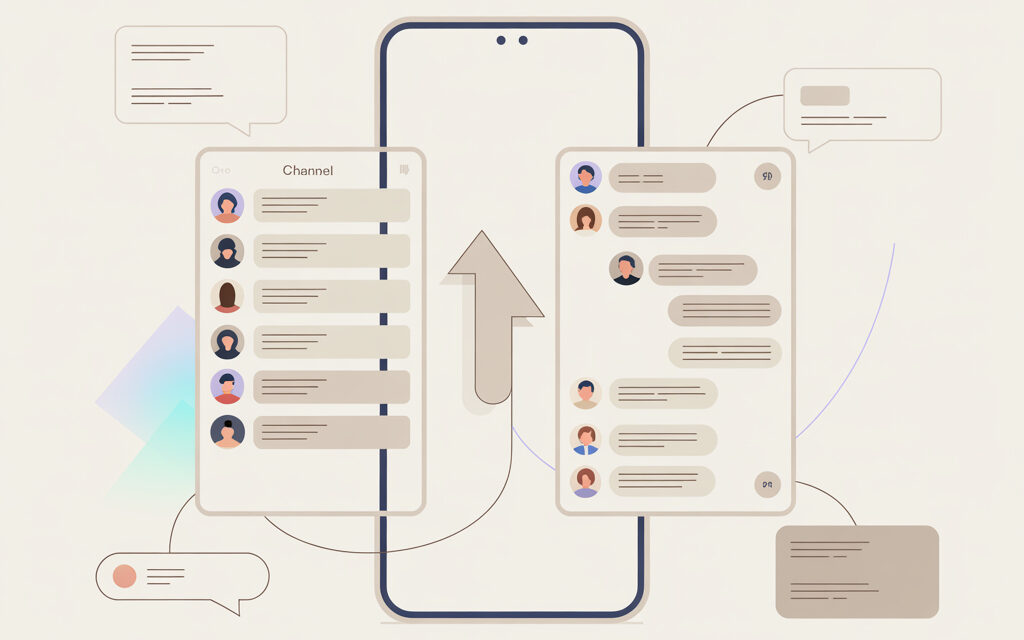
What’s the difference between a Telegram channel and a group – a channel is one-way broadcasting to an unlimited audience, a group is a two-way chat for up to 200,000 members. In 2026, the choice is simple: if you need reach and content control – choose a channel; if you need discussion and community – choose a group.
What’s the Difference Between a Telegram Channel and a Group: Fundamental Differences
This is where authorship and the visibility of others are most often confused. What’s the difference for a user: in a channel, only the admin posts on behalf of the channel, the subscriber list is hidden; in a group, all members can post, and the member list is usually visible. Source: Telegram FAQ and Telegram Tips (https://telegram.org/faq, https://t.me/tips).
- Roles and Permissions: in a channel, admins publish; in a group, all members can, with customizable permissions.
- Visibility: in a channel, you don’t see other subscribers; in a group, you see members and their profiles.
- Limits: channel – unlimited subscribers; group – up to 200,000 members (Telegram FAQ).
- Post Comments: these are handled by a linked group, not a built-in feature in the channel.
| Basic Functions | Channel | Group |
| Who Can Post | Only admins on behalf of the channel | All members under their own name |
| Audience Visibility | Subscribers are hidden from each other | Member list is visible, can be hidden in settings |
| 2026 Limits | Unlimited | Up to 200,000 |
| Comments | Via a linked discussion group | Built into the chat flow or via Topics |
| Analytics | From 50 subscribers (Telegram Blog) | From 100 members (Telegram Blog) |
Are Groups and Channels in Telegram the Same Thing for Business?
No. They are different funnel tools. What’s the difference for business: a channel warms up the audience with content and sells, a group handles objections, provides support, and builds loyalty. In 2026, on Telegram Business, the channel + linked chat combo is the basic template for US brands (https://telegram.org/blog/business).
Topics in groups work like a forum: you create topics for sections – sales, support, announcements. In practice, the most common setup is: channel – as a storefront and news source; group with topics – as community and support.
| Funnel Stage | What to Use | Why |
| Reach & Announcements | Channel | Reliable reach, single brand voice |
| Discussions & Q&A | Group with Topics | Horizontal dialogue, fast feedback |
| Upselling | Channel + Bot | Product posts, payment via Stars |
| Customer Service | Group | Short response cycle, community case studies |
If you need to launch communication quickly – create a channel and immediately attach a discussion chat. If results and clean structure are important – set up Topics in a group and assign moderator roles. Regarding comments in a channel, see how to add comments to a Telegram channel post.
The Difference in Monetization
Channels receive 50% of revenue from official Telegram Ads with 1000+ subscribers – payouts in Toncoin via Wallet (Telegram Blog: revenue sharing – https://telegram.org/blog/revenue-sharing-and-intro-to-stars). Groups earn differently: paid reactions, paid access to threads and messages via Stars.
| Monetization | Channel | Group |
| Official Ads | 50% revenue to owner | No direct revenue share |
| Paid Access | Posts & media via Stars | Topics & messages via Stars |
| Donations | Stars/donation bots | Stars/donation bots |
| Direct Sales | Storefront posts + bot | Catalog in topics + bot |
| Parameter | Channels | Groups |
| Payouts | Toncoin to Wallet | Stars within the ecosystem |
| Requirements | 1000+ subscribers | Activity & community rules |
| Price Control | Via post format & offers | Via roles & access to threads |
Ad placements in the US market typically go through native posts in channels and cross-promotions in groups. Pro-tips: lock in your ad inventory, screenshot reach from channel analytics, check Telegram Ads policy for your niche.
The Difference for an Administrator
Managing a channel is about content calendar, visuals, post timing, and analytics. Managing a group is about moderation, rules, anti-spam, and conflict resolution. In 2026, bots and AI agents are commonly added: in groups – as moderators; in channels – as summary-bots for long posts.
| Admin Task | Channel | Group |
| Content | Calendar, editing, preview | Guides, rules, pinned messages |
| Moderation | Comments in the linked group | Filters, roles, Topics |
| Analytics | Reach, retention, sources | Engagement rate, activity by topic |
| Bots/AI | Auto-posting, summarization | Anti-spam, Q&A |
Checklist: Privacy Settings for Spam Protection in 2026
- Restrict who can invite to the group – admins only.
- Turn on join requests – this weeds out spammers.
- Hide the member list if you have a sensitive community.
- Ban media and links for new members for the first 24 hours.
- Connect a moderator bot with a captcha on entry.
- Enable the profanity filter and ban by keywords.
- Check moderator permissions – no right to delete the owner.
| Tool | Where to Find It | What It’s For |
| Statistics | Channel or Group Menu – Statistics | Reach, sources, activity |
| Member Permissions | Settings – Permissions | Content restrictions |
| Topics | Group Settings – Topics | Discussion structure |
| Bots | Manage – Administrators – Add Bot | Anti-spam, auto-replies |
How to Convert a Group to a Channel and Is It Possible?
Direct conversion doesn’t exist – history and links don’t transfer. The working method is manual content and audience migration via invitation posts and a migration bot.
- Create a new channel and brand it.
- Pin a post in the group explaining the migration with a link to the channel.
- Set the group to read-only for 3-7 days to encourage the move.
- Make 2-3 key posts in the new channel and pin them.
- Announce a deadline for closing the old communication point.
- Disable new messages in the group, leave an FAQ and link to the channel.
| What Transfers | How | What Doesn’t Transfer |
| Audience | Invite links, posts, bots | Message history |
| Media | Reposts, forwarding key materials | Reactions and view counts |
| Rules | Copy into description and pinned message | Old post links |
What to Choose for Your US Project: Step-by-Step Guide
If the question is about the difference for a specific task – choose a channel for news, a blog, a storefront. Choose a group for learning, customer support, and local communities. In 2026, Telegram remains a key media channel in the US, with people expecting quick updates and live discussions.
| Scenario | What to Choose | Why |
| Volunteer coordination & alerts | Channel | Reach and delivery speed |
| Private entrepreneurs club | Group with Topics | Member expertise & networking |
| E-commerce store | Channel + payment bot | Storefront & Stars transactions |
- Define your main goal – broadcasting or dialogue.
- Decide on privacy – hidden or public audience.
- Check your resources – content editor or moderation team.
- Set up analytics and bots from the start.
- Test for 2-4 weeks and reassess the format based on metrics.
Common Mistakes When Choosing a Format
The biggest mistake is enabling free chat where you need tone control, and vice versa – broadcasting where people expect dialogue. Industry estimates show group ER in 2026 is about 40% higher, but channels win on reach – maintain balance and roles.
- Turning off moderation in a large group – a spam avalanche.
- Creating a group for a personal blog – subscribers lose privacy.
- Ignoring the ‘hide members’ function – a risk for sensitive topics.
- A channel without a linked chat – no place for discussion.
- Trying to migrate history between formats – technically impossible.
| Mistake | Symptom | How to Fix It |
| Dead group | Lots of silence or spam | Topics, rules, moderators, events |
| Channel without dialogue | Comments not enabled | Link a discussion chat to the channel |
| Loss of privacy | People can see each other | Use a channel instead or hide members |
| Failed migration | Subscribers don’t move | Deadline, pinned posts, auto-reminders |
If you can’t get discussions going under posts – check the channel-chat link and permissions. A frequent query: why can’t I add comments to my Telegram channel.
FAQ: Answers to Common User Questions
How do I know if I’m in a group or a channel? Look at the header: a channel shows the number of subscribers, a group shows participants. In a channel, posts are under the channel’s name; in a group, under people’s usernames.
Can others see my phone number in a group? It depends on your Telegram account privacy settings. Set ‘Who can see my phone number’ to Nobody, and ‘Who can find me by phone number’ to My Contacts.
Can you do live streams in both? Yes. In a channel, it’s more comfortable to stream without viewer comments; in a group, you can invite speakers and take questions via Topics.
How much does it cost to create a channel or group in 2026? It’s free. Monetization and Telegram Business features are added separately per platform rules (Telegram Blog).
How to turn off comments under a specific post? Enable or disable discussions when publishing the post or edit it later. This is often asked as how to disable comments on my post.
Summary: Quick Comparison for Fast Decision-Making
| Best For | Channel | Group | Note |
| Media, brands, bloggers | Yes | Optional | Reach & storefront |
| Support & community | Optional | Yes | Dialogue & expertise |
| In-chat sales | Yes, via posts | Yes, via topics | Stars & bots |
| Audience privacy | High | Depends on settings | Hide members |
Source for features and monetization: Telegram FAQ and Telegram Blog (https://telegram.org/faq, https://telegram.org/blog/revenue-sharing-and-intro-to-stars, https://telegram.org/blog/business). Audience numbers can be found on Wikipedia for Telegram, MAU in 2024-2025 900+ million (https://en.wikipedia.org/wiki/Telegram_(software)).
When you need speed – launch a channel and attach a chat to gather feedback. When results and quality communication are key – build a group with Topics, roles, and bot guardians. Remember the impossibility of converting formats and set up privacy before your first announcement.
What’s your goal right now – reach without noise, or live communication with people ready to write and debate? Let that guide your start.