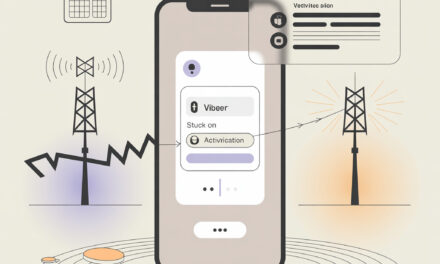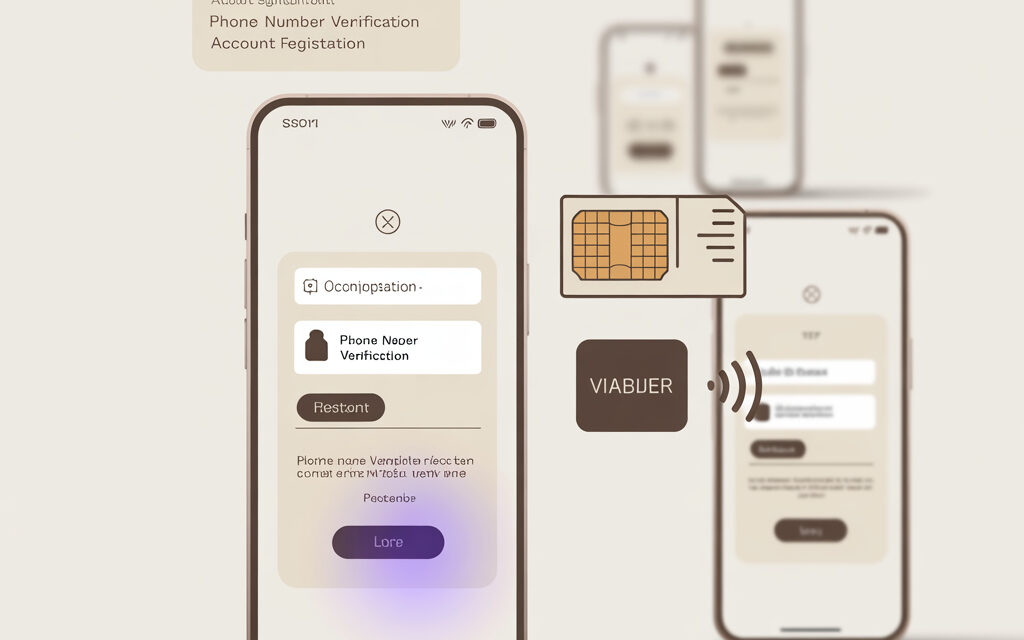
The most annoying thing here is that you seem to be entering everything correctly, but the app just won’t let you go further. The error might be small, almost invisible, but it feels as if your number suddenly stopped existing.
I’ve noticed that registration problems with Viber are rarely caused by just one thing. It’s usually a mix of factors: the number format, network connection, restrictions on your device, or a temporary glitch on the service side. In short – it’s not always the phone’s fault, and not always Viber’s fault. Sometimes several small things line up at once.
In short: what’s the core issue
If you’re thinking: Why can’t I register my number in Viber? – the problem is usually the country code, an unstable connection, SMS delays, or a block on repeated attempts. It can also happen that the number is already linked to another device, and the person just forgot about it.
What to do if Viber won’t register? First, check the simplest things: is the number entered correctly, do you have a signal, can you receive an SMS or call. Then look deeper – phone settings, VPN, app updates, and temporary restrictions.
This once happened to me – the app stubbornly wouldn’t accept my number, and the reason was embarrassingly simple: I left an extra zero after the country code. A small thing, but that’s where many people get stuck.
Why Viber won’t accept your number on the first try
When someone asks, Why won’t Viber let me register?, I usually look not at the app first, but at the number itself. Because the most common story is that you enter the number the way you’re used to, but the service expects international format.
Another frequent question is: Why won’t Viber accept my mobile phone number? Usually the reason isn’t that the number is “bad”, but how it’s written or how your carrier transmits the verification request.
Check the number format
What usually works is this: you select your country, then enter the number without any extra characters and without manually repeating the country code if it’s already pre-filled. For example, someone selects Ukraine, then manually types +380 again – and the app gets confused.
Interestingly, sometimes the error appears even without a clear warning. It just spins and nothing happens.
- check that the correct country is selected
- don’t duplicate the country code if it’s already there
- don’t enter the number with spaces, brackets, or hyphens
- make sure the SIM card is active for this exact number
- try typing the number manually instead of pasting it
The number might be temporarily restricted
If you request the code many times in a row, Viber sometimes puts a pause. Not sure this works for everyone, but often it’s better to just wait a bit than to keep pressing the button over and over.
A friend had this situation: he tried to register several times while on the road with a spotty connection. The code didn’t arrive, he requested another, then another – and at some point Viber stopped responding. He tried again later at home over Wi-Fi with a good signal, and registration went much more smoothly.
| Situation | What usually gets in the way | What to try |
|---|---|---|
| Number not accepted right away | wrong format | re-enter manually |
| Button is active but nothing happens | country code duplicated | remove extra digits |
| Silence after many attempts | temporary pause on requests | wait and don’t rush |
If you have a similar story, a separate breakdown of Why can’t I register in Viber? might help. The logic is the same: first rule out the simplest causes, then dig deeper.
Why the SMS or call with the code doesn’t arrive
When someone writes: What to do if Viber won’t register?, very often they mean just one thing – the code isn’t arriving. And here, you need to check not just the app, but also the connection and restrictions on your phone.
Why can’t I register my number in Viber? Sometimes because the SMS is delayed, gets caught by a filter, or your carrier is just having trouble delivering service messages at that moment.
Check if your phone can actually receive SMS and calls
Here’s an awkward situation: you have mobile data, other messengers load, but the regular network for calls and SMS has poor reception. Everything seems to work, but the verification code won’t arrive if the basic connection is weak.
I’ve noticed myself: when my phone is in power saving mode or has poor signal indoors – usually it helps to move closer to a window, restart the device, or toggle airplane mode on and off for a minute. But results vary.
| Check | What to look for | Sign of a problem |
|---|---|---|
| Cellular network | signal bars visible | connection drops or jumps |
| SMS reception | regular messages arrive | other SMS also delayed |
| Call reception | can receive an incoming call | calls don’t come through |
Sometimes the code arrives, just not where you expect it
Someone once told me “the code didn’t arrive”, but later it turned out the SMS was already on the phone – just filtered by the built-in anti-spam. I suggested checking not just regular messages, but folders like spam or blocked senders – not sure if it helped everyone, but the logic is there: some Android skins are too aggressive at sorting service SMS.
If this is the issue, the article Why doesn’t the Viber activation SMS arrive? might be useful. It covers exactly these small but annoying situations.
The activation call doesn’t always arrive immediately either
If SMS is delayed, Viber sometimes offers verification by call. But calls can also fail: poor connection, blocking of unknown numbers, Do Not Disturb mode.
Just in case, also look at the topic Why doesn’t the call from Viber arrive? Especially if there was no SMS and you were counting on a call.
| Verification method | What can interfere | What usually helps |
|---|---|---|
| SMS | carrier delay, message filter | wait, check SMS folders |
| Call | unknown number block, weak signal | disable filters and check reception |
Could the phone itself or its settings be interfering?
Why won’t Viber accept my mobile phone number? It’s not always about the number. Sometimes the phone itself prevents the app from activating properly: an old Android version, SMS restrictions, VPN, cloned apps, or overly aggressive security.
Why won’t Viber let me register? I’ve noticed that after transferring data from an old phone, strange things can happen: everything seems installed correctly, but activation fails with errors.
App permissions
Viber may ask for access to SMS, calls, contacts, and the network. If you accidentally deny some permissions, registration can stall or break halfway through.
In my opinion, it’s better to go into the app settings and manually check permissions. It takes a minute, but you’ll immediately see the situation clearly.
- open your phone settings and find Viber
- check permissions for SMS and phone
- make sure background activity isn’t blocked for the app
- temporarily disable VPN and traffic blockers
- if you have a cloned app, remove it temporarily during activation
An old app version can also break the process
I once tried activating Viber on an old phone – it didn’t work. Then I realized why: the installed version hadn’t been updated in a long time, and some requests were being handled incorrectly.
Not sure this works for everyone, but usually updating the app through the official store and restarting your phone before trying again helps. Viber’s official help page also changes over time, so a fresh version often behaves better.
| Setting | If disabled | What happens |
|---|---|---|
| SMS permission | code isn’t read automatically | you’ll have to enter it manually or get an error |
| Background activity | app “falls asleep” | activation may freeze |
| VPN | traffic route changes | server may respond unreliably |
If it’s not just about first-time registration but about moving your account, then the topic How to log into Viber on a new phone is relevant. There are a few more nuances there, especially if you don’t have the old device handy.
Why the number seems fine but Viber still won’t let you in
Why can’t I register my number in Viber? Sometimes the number is active, SMS arrive, calls work, but the error remains. Then I would look at rarer things – re-registration, old linking, virtual numbers, or service-side restrictions.
Interestingly, Viber doesn’t like some non-standard scenarios that look normal to a person. For example, if a SIM hasn’t been used for a long time or was recently restored, the system may be more cautious.
The number might have been linked to an old account
Many people change phones, delete the app, then reinstall it – and assume everything will start fresh. But the number might already be “remembered” by the system, especially if a previous registration attempt was interrupted.
A friend had this situation: he changed his SIM, then switched back to the old one, and Viber started acting as if the number was stuck between devices. He tried taking a pause, updating the app, and going through activation again without rushing – not instantly, but the app stopped complaining.
Sometimes the problem isn’t with Viber at all, but with the number itself
Rarely, but it happens that the number is virtual, corporate, recently reissued, or has restrictions on service messages. In such cases, verification services behave unpredictably.
If the number is new, you can try waiting a bit and see how it receives messages from other services. For self-check, it’s useful to look up the international number format on Wikipedia: https://en.wikipedia.org/wiki/E.164
| Type of situation | Why it interferes | What you can do |
|---|---|---|
| Number recently restored | services don’t “recognize” it immediately | wait and try later |
| Virtual number | verification is unreliable | use a regular SIM if possible |
| Old linking existed | system confuses devices | restart activation later |
If you’ve just changed your number, the question How to add a new phone number to Viber? is relevant. The mechanics there are different, and confusion happens very often.
What to do step by step, without chaos
When someone gets to the point of asking “why won’t Viber let me register?”, the first instinct is to click everything in sight. I understand that. But what usually helps is not speed, but a calm, orderly check.
What to do if Viber won’t register? In my opinion, it’s better to go from simple to rare: number, connection, SMS, permissions, update, pauses between attempts.
My short checklist
- check the country and number format
- make sure your SIM can receive calls and SMS
- turn off VPN, anti-spam, and unknown number blocking
- update Viber and restart your phone
- don’t request the code too many times in a row
- check app permissions
- try registering later if you’ve made many attempts already
If nothing worked
Then it’s worth checking Viber’s official help page: https://help.viber.com/ and seeing if there’s a temporary outage. I’ve noticed that sometimes the problem disappears on its own after a while, and that’s probably the most annoying option – because you never know what was actually wrong.
If you’re stuck specifically at the activation stage, the topic What to do if you can’t activate Viber? might help. It’s similar in meaning, just focused on the confirmation procedure itself.
And if after registration other strange things start happening, like contacts not syncing, that’s a separate story – the question Why won’t Viber let me add a contact? relates there.
Frequently asked
The number is definitely correct, so why does Viber still show an error?
Most often it’s about formatting, a temporary block after too many attempts, or the app missing permissions on your phone.
Can I register Viber without SMS?
Sometimes the service offers a call for verification instead, but not always, and not immediately. A lot depends on your network and the status of your number.
If I move the SIM to another phone, will that help?
Sometimes yes. Especially if the problem is with the specific device, its settings, or an old OS version.
Why does one messenger work fine but another doesn’t?
Each service has its own activation logic and restrictions. Even the issue why video calling doesn’t work in WhatsApp shows that messenger problems are often tied not just to internet, but to permissions, network, and the device itself.
What even is Viber now?
If you want to understand the context of the service, you can separately look at What is Rakuten Viber? Sometimes that helps explain why certain features and registration rules change over time.
What to remember from this
If Viber won’t register your number, it doesn’t mean there’s something seriously wrong with the number. The problem is usually at the intersection of small things: input format, network connection, SMS, restrictions after repeated attempts, or phone settings.
I wouldn’t rush to delete everything and reinstall five times. Usually, a calm check of the basics and a short pause if you’ve already requested the code many times does the job.
Not everything works the same for everyone, and that’s probably the most honest part of these stories. But if you go step by step, your chances of finding the cause are much higher.
If you try any of this, write in the comments how it went. I’m genuinely interested.
Glossary
Country code – the international part of a number, like +1 for the US or +44 for the UK.
Activation – the first login to Viber with number verification via SMS or call.
App permissions – the access your phone grants Viber: to SMS, calls, contacts, and network.
VPN – a service that changes your internet traffic route. Sometimes interferes with registration.
International number format – writing a number the way services worldwide understand it, without local habits.
Virtual number – a number not on a regular SIM but via an internet service. Some messengers work unreliably with them.
Repeated attempt restriction – a temporary pause the service may impose after too many code requests.
SMS anti-spam – a filter on your phone that may hide a service message in a separate folder.