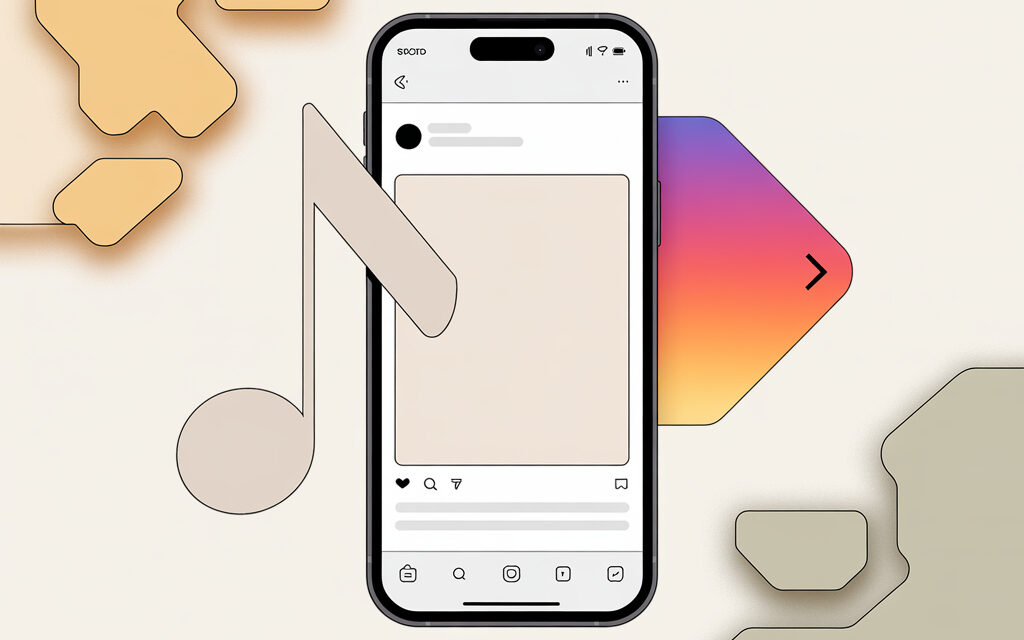
Let’s calmly break down why this happens and what you can do without jumping through hoops with a VPN. I’ll explain in simple terms how licenses, account type, and phone settings affect things. Plus, I’ll give you a short checklist and a table to quickly understand where the sticking point is.
The Short Answer
Most often, music on Instagram is unavailable due to rights holders’ licenses and how the app determines your region via your IP, the app store, and device settings. If the question “Why is Instagram music not available in my region?” is running through your head – this is usually about the rights to the track in your country. In such cases, the question arises, Why is there no access to music in my Instagram account? This is most often related to the account type (personal, business, or creator), a mismatch between the device region and the app store, age restrictions, or the cache of an old app version. Checking these parameters often solves the problem without a VPN or third-party tricks. As for “How do I change my region on Instagram to listen to music?” – honestly, there’s no direct way; what helps is synchronizing your phone’s region and the app store, updating the app, and, if necessary, switching from a business account to a creator account.
Why Instagram Music is Unavailable Due to Region: What Actually Matters
If you keep running into “Why is Instagram music not available in my region?”, check these simple factors. And if you’re thinking “How do I change my region on Instagram to listen to music?”, it’s not about a “button,” but about matching settings – the SIM card country, the app store, the language, and the current app version. I’ve noticed that when these things are out of sync, music often disappears.
Licenses and Track Catalogs
Rights holders allow or prohibit the use of tracks by country. Instagram looks at your IP and sometimes at your app store country. If the label hasn’t granted rights for Ukraine – the track won’t play, no matter what you do.
Account Type: Personal, Creator, Business
Music is often limited on business accounts – mainly tracks marked “for commercial use” are available. Switching to “Creator” sometimes brings back the full catalog. It happened to me once: on a business profile, half the sounds just weren’t there.
Region Mismatch in the System
Phone set to one region, app store to another, a third language, plus a VPN – and Instagram gets confused. In my opinion, it’s best if the SIM, device region, and app store country all match.
Age and Family Restrictions
If the age listed is under 18 or strict family settings are enabled, some music may be hidden. This isn’t a bug; it’s a policy related to safety and licensing.
Rights Holder Restrictions on a Specific Track
Sometimes the issue isn’t you, but the track itself: one song has rights, another doesn’t. That’s why you see “not available in your region” only for a particular song.
How to Tell if the Problem Is You or the Track
A simple way to answer “Why is Instagram music not available in my region?” is to compare the app’s behavior on another device or account. If you’re wondering “How do I change my region on Instagram to listen to music?”, start with checking, not configuring – you’ll save time.
Compare with a Friend from the Same Country
Ask a friend from Ukraine to open the same track. If they have access and you don’t, it’s a settings issue with your account or device.
Log in from Another Device Without a VPN
Open your account on a clean device with no VPN. If the music appears, it means extensions, cache, or network settings were the culprit.
Check the System Prompts
Messages like “Music not available in your region” often point to licensing. If the text mentions “business account restrictions,” it’s about your profile type.
How to Change Your Region on Instagram to Listen to Music? The Honest Way
There’s no country switch in Instagram, so “How do I change my region on Instagram to listen to music?” is really about tidying up your phone’s ecosystem. If the thought “Why is Instagram music not available in my region?” is stuck in your head – start by synchronizing the country on your device and in the app store. Most of the time, that solves it.
Synchronize Your Device Region
Set the country and language you actually use. Restart your phone. This helps Instagram correctly determine access.
Check Your App Store Country
The App Store or Google Play should be in the same country as your actual region. Officially changing the country usually requires a local payment method and may be limited in frequency. It’s best to do this only if you’ve actually moved.
Update the App and Clear the Cache
Update Instagram to the latest version. On Android, you can clear the app’s cache; on iOS, reinstall it. Log out and log back in.
Switch Your Account Type
If you have a business profile and don’t need the commercial tools – try “Creator.” Often, this is what restores access to the full music library.
About VPNs and “Crutches”
A VPN might help for testing, but constant use often breaks access and violates the platform’s rules. In my opinion, it’s better to set up an honest region than to play hide-and-seek with the network.
Working Workarounds Without Unnecessary Risks
If you still want to understand “Why is Instagram music not available in my region?” – sometimes it’s about a specific song. And when “How do I change my region on Instagram to listen to music?” isn’t an option, you can take a roundabout but clean path.
Look for Tracks from the “For Commercial Use” Catalog
These are more often available with any settings and on business accounts. It’s a lifesaver when you need to put together a reel quickly.
Add Your Own Original Sound
Record your voice or music that you have the rights to. This sound will become available as “original” and is easier to use.
For a sound to appear in the official catalog, it’s important to understand How to make an audio track available on Instagram: the track must have licensed use in your country and be uploaded through the “Original Audio” feature or through partner services that support music distribution for Instagram.
Check Trending Sounds Uploaded in Your Region
Sometimes other users have already used available alternatives to popular tracks. This works just as well for reach.
Checklist: What to Check in 10 Minutes
If the question “Why is Instagram music not available in my region?” or “How do I change my region on Instagram to listen to music?” is on your mind, run through this short list.
- [ ] Updated Instagram to the latest version
- [ ] Turned off VPN and third-party network profiles
- [ ] Checked that the phone’s region and language are correct
- [ ] Made sure the App Store/Google Play country matches
- [ ] Logged out and back into Instagram, cleared cache if needed
- [ ] Temporarily switched the account type to “Creator”
- [ ] Compared track access with a friend from the same country
- [ ] Tried a different track – maybe it’s a license issue with that specific song
To add a track to reels and stories, it’s important to understand How to get access to music on Instagram: check your account type, ensure the device region and app store match, make sure the app version is current, and confirm there are no licensing restrictions on the track. Synchronizing these settings and adding the track as “original” usually makes it available for posting.
Table: Common Causes and What Usually Helps
| Cause | How It Shows Up | What Usually Helps |
|---|---|---|
| Rights holder licenses by country | “Not available in your region” message for specific tracks | Choose a different track or a commercially available version |
| Business profile | Severely limited music catalog | Switch to “Creator” or use tracks “for commercial use” |
| Device and store region mismatch | Music catalog is inconsistent, access is unstable | Synchronize SIM card country, device, and App Store/Google Play |
| Old app or cache | Friends have music, but it doesn’t appear for you | Update the app, clear cache, log out and back in |
| Network interference (VPN) | Music comes and goes, region errors | Disable VPN, test on mobile data |
| Age/family restrictions | Some tracks disappear for no apparent reason | Check profile age and restriction settings |
Don’t forget about copyright and music blocking on Instagram. Even if everything is set up correctly on your device, tracks may be unavailable due to rights holder restrictions in your country. In such cases, it’s better to choose alternative licensed versions or use your own original audio tracks.
Short Real-Life Stories
A friend had this happen: business profile, ads running, but when it came to adding music – nothing. He switched to “Creator” for a couple of days, edited the videos he needed, switched back to “Business” – and now lives happily. In my opinion, it’s a simple temporary lifehack if you don’t need the full business functionality every day.
A reader wrote that he lost music after a trip: phone in one region, store in another, plus an automatic VPN. He synchronized the country on his device and in the store, reinstalled the app – within a day the catalog was back. In this case, it was precisely the alignment of settings that worked.
Mini-FAQ
If you still have short questions like “Why is Instagram music not available in my region?” or “How do I change my region on Instagram to listen to music?”, take a look here.
- Music is unavailable only in Reels, but it’s there in Stories. Is this normal? Yes, catalogs and rules can differ between formats.
- If I moved, can I officially change my country? Yes, through the App Store/Google Play. You usually need a local payment method, and it can’t be done more than once a year.
- Will a VPN solve the problem? For testing, maybe. For constant use, it often breaks access and contradicts the rules.
- Does a business account always have limited music? Generally, yes – it’s a matter of commercial licensing. “Creator” usually sees more.
- Why does my friend have the track and I don’t? Either a different country/store/account type, or your cache/app version is behind.
Key Takeaways from the Article
Instagram isn’t hiding music out of spite – it’s usually about licenses and how the system reads your region. Typically, synchronizing your device country and app store, updating the app, and switching to “Creator” if needed, helps. If a track won’t play at all, the rights holder most likely doesn’t have the rights for your country, and it’s best to choose an alternative.
Links and Where to Find the Official Stance
- Instagram Help Center – Music on Instagram
- Meta Business Help Center – Music Guidelines for Businesses
Feel Free to Share How It Worked Out for You
I’m curious at which step everything started working for you.
Feel free to share how it worked out for you.