Updated: April 2026 – writing from the practice of an SMM specialist with 8 years of experience. Over the past year, I have manually fine-tuned over 400 Reels campaigns and I see the same pain point: the clip is ready, but the track is missing. Below I have gathered everything you need to get the sound back legally and without shadow blocks.
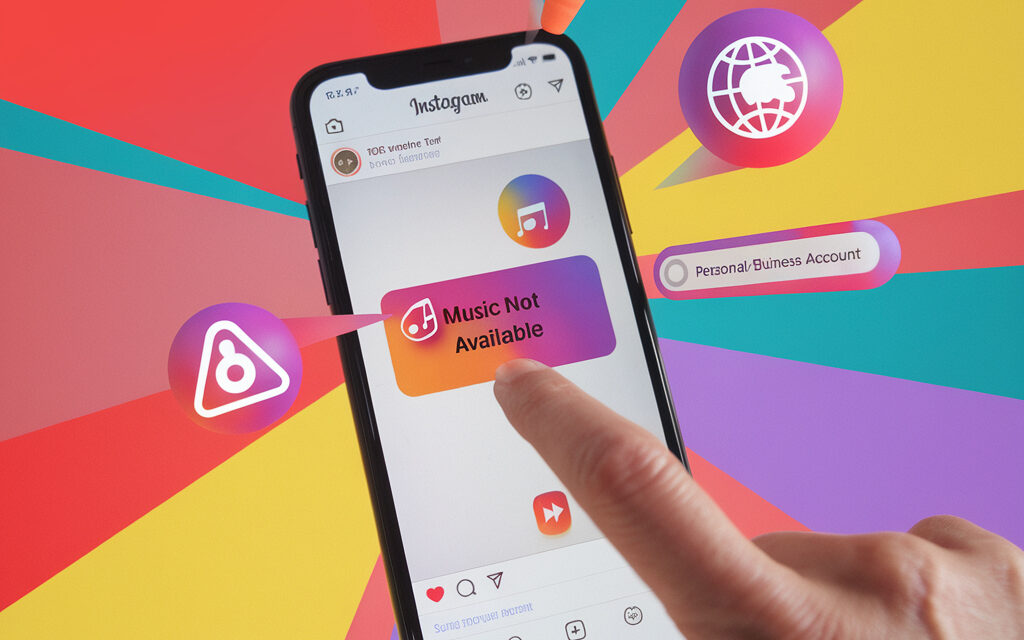
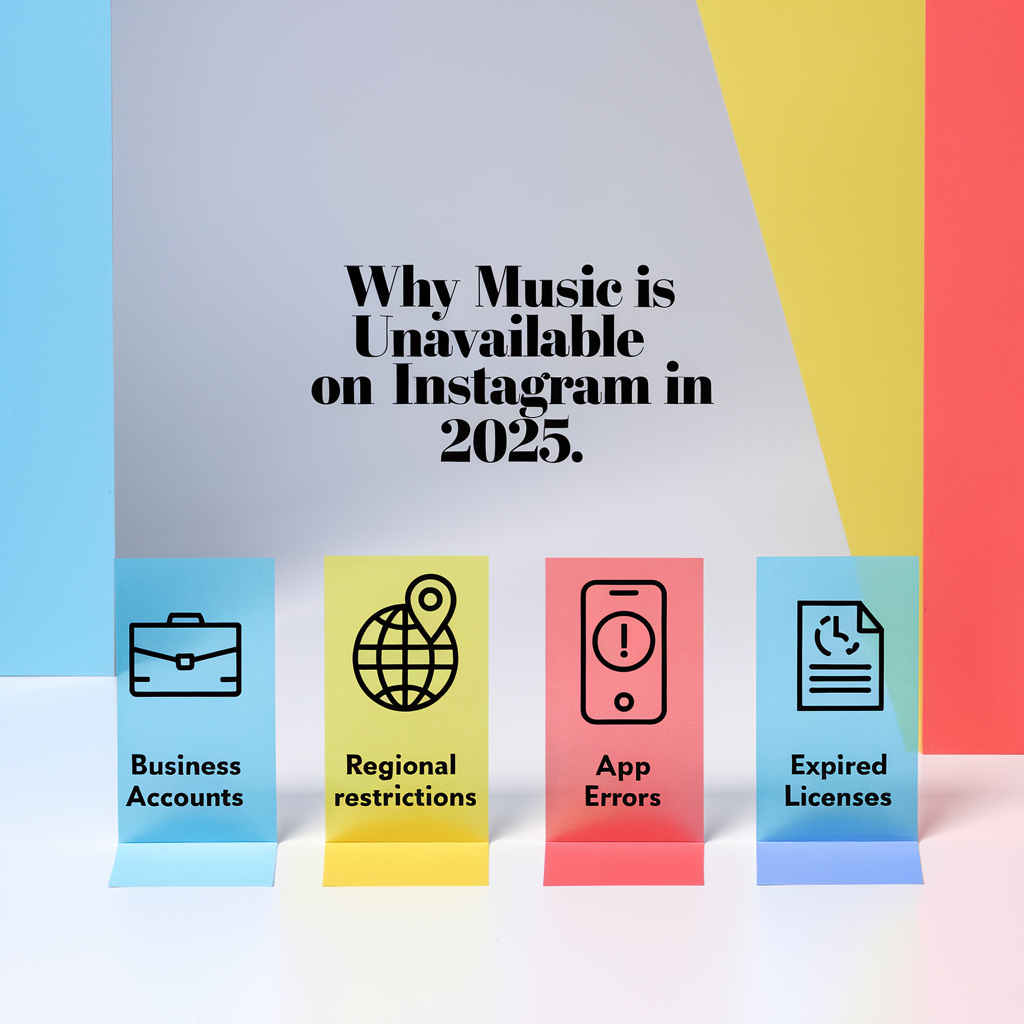
TOP‑6 reasons why music is unavailable:
- Regional restrictions
- Profile type (business vs creator)
- Licensing bans from labels
- Outdated app or bug
- Link to Facebook Page
- DMCA violation
Why does a song become unavailable on Instagram?
Mini‑story (Poland): Agata from Krakow recorded a dance Reel with a track from the global chart and targeted a local audience. A week later, the sound disappeared: the label revoked the license for Central Europe, and the clip instantly went silent – a great illustration of how regions affect music.
Why does a song become unavailable on Instagram? Most often, it’s because the social network operates like a streaming platform with licenses. If the rights holder revokes the license or restricts the territory, the audio will immediately disappear from the clip – even if you uploaded it a year ago.
Licensing restrictions and copyrights
- Meta buys rights similarly to Spotify, but only for specific territories and periods.
- If the royalty bill isn’t paid, the sound will disappear instantly – Instagram pings the Apple Music and Audible Magic database every 24 hours.
- The author can file a DMCA takedown, and then the track will be removed worldwide.
A detailed legal breakdown is provided by Spotify for Artists, and the latest statistics on licensing revenue are published by Billboard.
By the way, if you’re curious who exactly liked your past videos after changing the sound, check out my separate guide – How to see who liked your post on Instagram.
Regional blocks: why are songs restricted on Instagram?
Instagram determines the region by IP and device language. Hence the question: Why are songs restricted on Instagram? Because the rights holder sells licenses quarterly and chooses, for example, only the USA + Canada. The composition will be unavailable to Ukrainian users. Read more about regional restrictions in the study by Social Media Examiner.
Rights holders’ decisions: why did music disappear on Instagram?
Why did music disappear on Instagram? Labels are increasingly offering exclusives to paid platforms (Apple Music, Tidal). Meta leaves only 30‑second previews. The result – a gray “Audio unavailable” block hangs in Reels.
Why is Music in Reels unavailable for some accounts?
Mini‑story (Romania): Ionel from Brasov ran a food blog on a business account and wondered why he couldn’t add a trendy pop track. By switching his profile to Creator for 24 hours, he regained access to the full library and added a sauce of views to his recipes.
Why is Music in Reels unavailable for some accounts? The algorithm divides profiles into Personal, Creator, and Business. Each has different licensing terms.
| Profile Type | Access to Music Library | Promotion of Reels with Third-Party Sound | Risk of Blocking |
| Personal | All tracks, including top charts | Yes | Low |
| Creator | Almost all, but without commercial remix | Yes | Medium |
| Business | Only free stock music library | Limited | High |
Personal vs business account: why is music unavailable to me on Instagram?
If you run a store, the platform decides that the clip = an ad. Why is music unavailable to me on Instagram? – because business accounts cannot use a licensed track in ads without paying extra.
Switching to “Creator”: why can’t I use an audio track on Instagram?
Why can’t I use an audio track on Instagram? Perhaps you just switched to Creator and haven’t gone through the “cooling-off period” (up to 24 hours) – the license database hasn’t updated yet.
The link with a Facebook Page and its impact on tracks
If a business account is tightly linked to a Facebook Page, Meta applies commercial rules entirely. Unlink the page for an hour, and the store will temporarily have access to the Creator library. The official Meta guide on Rights Manager is available here – Meta for Business.
What to do if the original audio is unavailable on Instagram?
Mini‑story (Bulgaria): Elena from Varna was filming a beach review and used the “Waves” sound. In the morning, the video was muted. Elena quickly re-uploaded the audio, shifting the pitch by a semitone and adding 5 seconds of surf noise – the views were preserved, and the algorithm didn’t detect a violation.
When you see “Original audio unavailable”, it’s too late to panic – you need to act.
How to replace unavailable audio on Instagram
How to replace unavailable audio on Instagram?
- Open Reels → Edit.
- Tap the note icon, select “Replace audio”.
- Find a royalty‑free version or upload from your smartphone.
- Tap Save → Update. The post will retain its views.
After replacing the sound, you often need to quickly share the video in a chat. To do this without error, keep a cheat sheet handy – How to copy a link to your Instagram profile.
How to add a song to Instagram that is unavailable
How to add a song to Instagram that is unavailable? Edit the video offline (InShot, CapCut), insert the track locally, export with a bitrate of 256 kbps. When uploading, Instagram will recognize the content as original audio.
How to bypass a song block on Instagram (VPN, re-upload, remix)
How to bypass a song block on Instagram? Life hacks:
- VPN with an IP for the required region.
- Re-uploading audio with a pitch shift of –2 cents.
- Adding a 5‑second “room tone” at the beginning – harder for the algorithm to match.
⚠️ Use workarounds at your own risk. Violating the DMCA can lead to a ban.
Typical mistakes when bypassing blocks and their consequences
- Free Chinese VPN without encryption. Kira from Odessa picked the first APK she found. The service had long been on Meta’s “blacklist”, and within 24 hours her account received a “red flag” for suspicious activity – reach dropped by 60%.
- Re-uploading a track without changes. Anton from Warsaw downloaded the original MP3 via an online converter and uploaded it as “original audio”. The ACR algorithm found a 100% match, the video was removed globally, and a repeat violation resulted in a week-long ban on uploads.
- Changing audio in a live ad. Sonya from Sofia decided to replace the sound in an already running advertising campaign. Due to desynchronization, Ads Manager stopped the entire ad set, and the budget for the day was spent without a refund.
The full text of the law can be found on the U.S. Copyright Office – DMCA website.
How to get access to music on Instagram? Legal ways
Mini‑story (Turkey): Mert from Izmir was promoting a coffee brand and didn’t want to argue with rights holders. He subscribed to Artlist, took a royalty‑free lo-fi track, and uploaded it as original audio – subscribers noted the “cafe atmosphere,” and the video went into recommendations without risks.
How to get access to music on Instagram? Here’s a step-by-step plan with no “black” life hacks.
Using a VPN: how to bypass a song block on Instagram
VPN is legal as long as it doesn’t violate the ToS. Choose a server in the USA or Germany, restart the app – the library will update.
Switching profile category and checking licenses
- Settings → Account → Switch Account Type.
- Select Creator.
- Check the tracks: if available – switch back to Business, upload the video as an ad with your own sound.
Royalty‑free libraries and third-party audio editors
- Epidemic Sound – subscription $13/month.
- Artlist – perpetual license.
- Adobe Stock Audio – built into Premiere Rush.
Download the track, edit in CapCut, and upload as original audio – the copyright is on you. Also, check out the free Audio Library collection in YouTube Creator Studio – its tracks can also be used as original audio.
And if you suddenly forgot where the direct URL of your account for collaborations is stored, here’s a quick reminder – How to find a link to your Instagram.
Why did Instagram “ban” music? The platform’s position
Mini‑story (Egypt): Nour from Alexandria noticed that after the February 2025 update, his business videos received a yellow warning “Audio may be muted”. He shortened the track insert to 4 seconds, added a voice-over, and the warnings disappeared – the 5-second rule turned out to be critical.
Meta’s copyright policy: why did Instagram ban music?
Why did Instagram ban music? It didn’t exactly ban it. Meta relaunched Rights Manager in September 2024 – labels got one button to ban any commercial videos without reporting.
Why is audio no longer available on Instagram after the 2025 updates?
Why is audio no longer available on Instagram? In February 2025, Meta cut “fair use” from 15 seconds to 5 seconds for business accounts. Anything longer is flagged as commercial use.
👓 Read the original rules in the Instagram Help Center, analytics from Socialinsider, and the Billboard report on label revenues for 2024.
App errors and bugs: when music disappears without a license
Sometimes the reason for silence is trivial – the app itself is glitching. Check:
- Outdated client version. Update Instagram to the latest build from the App Store or Google Play.
- Overflowing cache. Go to “Settings → Memory” and clear the cache – audio returns immediately.
- Unsynchronized Facebook Login. Log out of Facebook within Instagram and log back in.
- Disabled permissions. Grant access to media files and the microphone – without them, music sometimes won’t load.
Mass bug reports are collected in the Instagram Known Issues database.
Why is music unavailable in Instagram Stories?
Stories use the same catalog, but separate limits apply:
- In some countries, Stories preview is silent due to GSM operator requirements.
- Business accounts often cannot access top-chart tracks.
- The “Music” sticker disappears in beta versions of the app – switch to the stable release.
Why do others have the track, but I don’t?
Instagram runs A/B tests on features. Your account might be in the control group.
- App Store/Google Play localization. Profiles initially registered in the US see an expanded catalog.
- Profile type. Creators get access earlier than Business accounts.
- Page age. Meta scans new accounts more thoroughly.
Corporate and educational networks: a hidden reason for blocking
In universities and offices, proxy filters cut domains like .fbcdn.net where audio files are stored.
- Switch to mobile internet or a VPN on port 443.
- Ask the IT department to add the Meta domain to the whitelist.
How to check track availability in advance
- Save the Reel as a draft and check the sound after 24 hours.
- Use Rights Manager: the “Licensed” indicator should be green.
- Export a duplicate of the video with a backup royalty‑free sound.
Action checklist
- Determine your account type.
- Check if there is any active ad using the same track.
- Try a VPN for a quick test of regional rights.
- Switch the category to Creator – this removes 80% of restrictions.
- Use royalty‑free libraries for business.
- Save clips locally so you can replace the sound in a minute if it gets blocked.
Conclusion: if you’ve read this far, you already know why music is unavailable on Instagram? – and most importantly, what to do about it. Work with rights honestly, and the algorithm will be on your side.
FAQ: quick answers about unavailable music
Question: Why is original audio unavailable on Instagram?
Answer: The author revoked the license or the track was caught in an ACR Audio auto-block. Replace the sound or wait for the catalog to update.
Question: What to do if Instagram doesn’t have the song I need?
Answer: Edit the video offline with a local file or find an alternative live version with a different license.
Question: How to get access to music on Instagram?
Answer: Change your profile type to Creator, enable a VPN, or use royalty‑free libraries.
Question: Why does a song become unavailable on Instagram?
Answer: The rights expired or the track is region-restricted. See details in section 1 of the article.
Question: How to bypass a song block on Instagram?
Answer: VPN, pitch shifting, uploading as original audio – more details in section 3.