Yes, you can. The TikTok app has a basic audio editor – trimming, volume, speed, effects, and muting the original sound. For complex tasks, it’s more convenient to assemble the audio in CapCut or another editor and upload the finished video.
In practice, it’s most often done like this: quick fixes – directly in TikTok, anything more complex – in CapCut, publishing – from TikTok with a final sync check. This is the most hassle-free path without surprises after posting.
This is precisely why beginners most often face the basic question, Can you edit audio in TikTok?, or if using third-party apps is mandatory for any changes, even though the built-in tools are sufficient for most simple scenarios.
What is Audio Editing in TikTok and Available Features
Main Audio Editor Tools
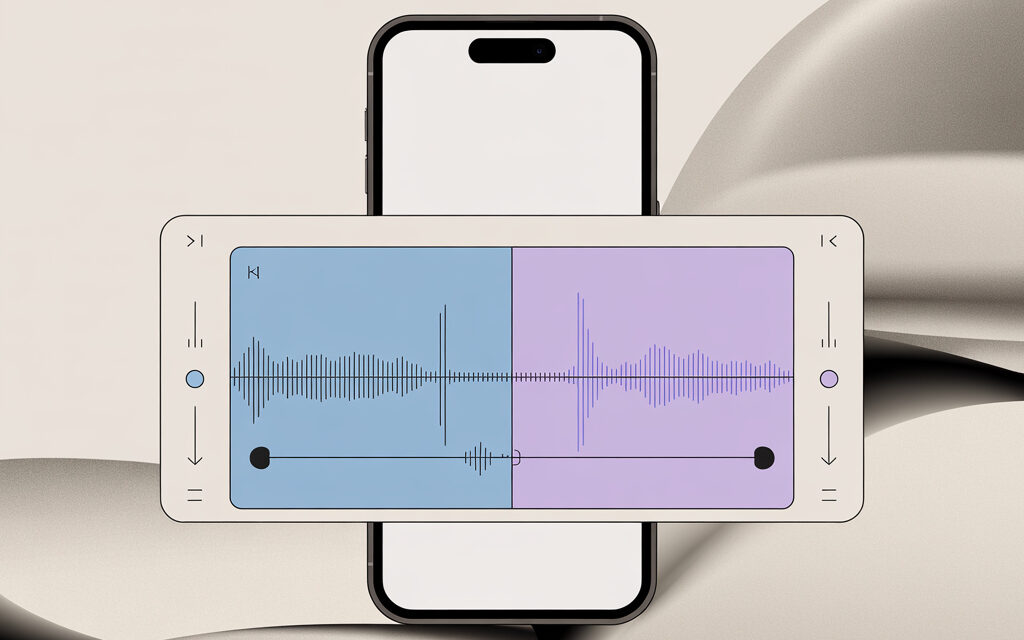
The built-in editor handles typical tasks: trim sound, shift on the timeline, lower volume, add an effect, change speed. If the goal is to quickly edit and post a clip, this is enough.
If you need a mix of multiple tracks, auto-ducking, noise reduction, precise beat alignment – it’s easier to assemble the audio in CapCut. It’s integrated with TikTok, and export takes a couple of taps.
When one track isn’t enough and you need to combine voice with music or effects, the practical question arises: How to put 2 sounds on TikTok?, and here you can’t avoid pre-assembling the audio in a third-party editor.
Trimming and Speeding Up Tracks
- Trimming – drag the edges of the audio track or move the start marker.
- Speed – select 0.5x, 1x, 1.5x, 2x. For “dynamics,” 1.1x – 1.2x is often used to avoid distorting speech.
If the goal is to add dynamics to the video and make the delivery more energetic, it’s important to understand how to speed up sound on TikTok so speech remains clear and doesn’t turn into distorted noise.
- If you need non-standard speed for specific sections – do it in CapCut and export to TikTok.
Adding Effects and Voice Modifications
- Voice effects – “deeper,” “higher,” “robot,” “radio.” Good for quickly masking your voice.
- Effects on the whole track – reverb, equalizer, background muting.
- Tip: Don’t overdo effects on speech – it’s better to slightly clean up noise and level the volume.
Differences Between Mobile App and Web Version
The phone offers more features – effects, speed, voice filters. The browser version focuses on upload and basic edits. For “phone-to-air” videos, the mobile app is more convenient.
| Function | Mobile App | Browser Version | When to Choose |
|---|---|---|---|
| Trimming & shifting sound | Yes | Yes | Any quick clip |
| Audio speed | Yes – presets | Often not | Need dynamics or “sync” with the frame |
| Voice effects | Yes | No | Hide voice or add character |
| Multi-track mixing | Limited | Limited | Better to assemble in CapCut |
| Sound library | Yes | Limited | Need trending sounds |
| Posting & descriptions | Full set | Full set | Equally convenient |
Integration with AI for Automatic Audio Processing
It’s practical to use auto-captions – viewers understand them without sound and it’s easier to watch. Noise reduction and volume normalization are also useful – so clips sound consistent. For voiceovers, you can quickly add TTS, but a real voice almost always looks warmer.
Step-by-Step Guide: How to Edit Audio in TikTok on Android and iOS
Preparation: VPN for Ukraine and Bypassing Restrictions
TikTok works in Ukraine. A VPN might only be needed if the sound library won’t open or a corporate network blocks media. Check with the simple checklist below and enable VPN only if necessary.
- If sounds won’t load – restart the app, clear cache, check internet via mobile data.
- If the problem persists – enable any stable VPN and restart TikTok.
- After posting, disable VPN and check video availability from another device.
Recommended VPN Services for Stable Operation
- Proton VPN – has a free plan, handles media traffic stably.
- Windscribe – convenient app, fast switching.
- Surfshark or NordVPN – if you need a paid service with a fast connection.
Step 1: Creating Video and Choosing Audio
- Open TikTok – “+” – “Record” or “Upload” a clip.
- Tap “Sound” – select a track from the library or “My sound” for recorded/imported audio.
When posting visual content without video, it’s logical to figure out beforehand How to post a photo with music on TikTok?, so the clip is correctly perceived by the algorithm and doesn’t look like an empty template.
- If you need your own mix – pre-assemble it in CapCut and export it together with the video.
Step 2: Applying Effects and Mixing
- Open “Edit” – “Sound”. Trim the beginning, shift it to match on-screen accents.
A separate situation arises when working with static frames, where users search for How to trim sound on a photo in TikTok?, so the music starts exactly at the right moment and doesn’t seem random.
- Set volume: speech 85-100%, music 10-25%, effects 10-15% – without overlapping speech.
- Enable auto-captions – this makes the clip understandable even without sound.
- Check sync at 0:03, 0:07, 0:15 – desync is most noticeable there.
Step 3: Export and Posting with Algorithm Optimization
- Before posting, re-listen at your phone’s minimum volume – speech should be distinct.
- Add a clear title and relevant hashtags – without unnecessary clutter.
- Right after posting, check if there’s a music warning. If so – replace the track.
Table: Audio Editor Comparison TikTok vs CapCut
| Tool | TikTok Built-in | CapCut (Integration) | Access in Ukraine |
|---|---|---|---|
| Trimming | Yes | Yes + more precise | Full |
| Effects | 30-50 basic | 100+ & presets | Full |
| Speed | 0.5x – 2x presets | 0.1x – 4x, speed curves | Full |
| Mixing | Limited | Multi-track, ducking | Full |
| Noise Reduction | Basic | Advanced | Full |
| Export to TikTok | Not needed – already inside | Direct export to TikTok | Full |
Editing Audio in the TikTok Browser Version: Guide for PC
Advantages of the Web Editor for Ukrainian Users
- Convenient for uploading finished videos from a work PC – without transferring to a phone.
- Easy to add descriptions, hashtags, cover image, and manage the posting queue.
- If working with long content – it’s easier to keep files organized.
Limitations and Hacks for Uploading Custom Sound
- The web version is weaker on effects and audio speed. Solution – prepare audio in an editor, export it together with the video.
- If the sound library is unavailable – add music to the video during editing.
- Check track rights before uploading. If risky – take a track from the TikTok library or a royalty-free catalog.
Best Practices for Optimizing Audio for the TikTok Algorithm 2026
Choosing Trending Sounds and Creating Original Mixes
- Quick start – pick a current sound from the library. Viewers will more easily “pick up” a clip with a familiar tune.
- For branded content – make an original mix. It’s easier to avoid music restrictions this way.
- Sync key frames to strong beats of the music – it’s easier for viewers to “catch” the rhythm.
Statistics: +40% Watch Time with Captions
Based on experience, auto-captions and clear sound significantly increase watch time. People often watch without sound, and captions save the context. Add them right after audio edits and check spelling of keywords.
LSI Keywords: Popular TikTok Sounds, Voice Effects, Audio Mix
- Popular TikTok Sounds
- Voice Effects
- Audio Mix
- Noise Reduction
- Beat Editing
- Original Sound
Adaptation for Ukrainian Audience: Local Trends
- Language – make content bilingual or split clips by language. The key is clear speech and captions.
- Music – add local tracks, covers, and remixes. They resonate faster with familiar contexts.
- Seasonality – holidays, sports, city events. Tailor musical accents to the current agenda.
Mistakes When Editing Audio on TikTok and How to Avoid Them
Common Problems: Low Completion Rate and Bans
- Music too loud and overpowers speech – viewers leave. Lower the background to 10-25%.
- Unclear voice due to noise – record closer to the mic, enable noise reduction.
- Unverified track rights – possible silence instead of music or sound removal.
Table of Errors and Solutions
| Error | Cause | Solution |
|---|---|---|
| Sound won’t load | Network failure or network restrictions | Restart, clear cache, mobile data, VPN if needed |
| Algorithm doesn’t promote | Boring or stock track | Original mix, sync to key frames |
| Ban or sound removal | Copyright | TikTok library or royalty-free catalogs |
| Lip/voice desync | Track shift, conversion | Shift on timeline, re-assemble with same sample rate |
| Peaks and clipping | Volume too high | Reduce levels to comfortable, avoid overloading |
Risks and Limitations of Editing Audio in TikTok for Ukraine
Geo-Blocks and Monetization
The app is available in Ukraine. Sometimes the sound library may be unstable – fixed by restart, clearing cache, or VPN. For monetization, check if there are restrictions on chosen sounds – some tracks may be unavailable for commercial use.
Music Copyright: How to Check
- Safest is to take sound from the TikTok library – rights for the platform are already accounted for.
- If using royalty-free – keep the license and receipt, don’t change the track name.
- “Original sound” in your clip doesn’t make the track yours – rights still belong to the owner.
Comparison of Tools for Advanced Audio Editing
TikTok vs CapCut vs External Editors
| Tool | Strengths | Limitations | Who It’s For |
|---|---|---|---|
| TikTok | Speed, simple effects, immediate posting | No multi-track, minimal fine-tuning | Quick clips without complex sound |
| CapCut | Multi-track, effects, ducking, export to TikTok | Less precision than pro DAW | Creators & brands, 90% of tasks |
| DaVinci Resolve (Fairlight) | Pro mixing, noise reduction, routing | Learning curve, need a more powerful PC | Complex projects & studio tasks |
| Adobe Audition | Advanced audio editing, restoration | Separate export & linking with video | Sound cleaning & mastering |
| Audacity | Free, basic set | Interface & plugins are more modest | Budget solutions & quick fixes |
Integration Recommendations with TikTok
- Assemble drafts in CapCut – export to TikTok as final.
- If you need clean voice – record separately, clean noise, then mix with music.
- Do a test run on your phone at medium-low volume – speech should be understandable.
FAQ
Can You Add Your Own Sound to TikTok Without an App?
Yes. Prepare a clip with sound in an editor, upload via web.tiktok.com. This is a working option if using a phone is inconvenient or the sound is already mixed.
How to Speed Up Audio on TikTok for Virality?
Often 1.1x – 1.2x is enough to add dynamics without distorting speech. Use higher speeds only for music memes and dances – it’s appropriate there.
Does the TikTok Audio Editor Work in Ukraine in 2026?
Yes. If some functions are unavailable on a specific network – restarting, clearing cache, mobile data, or VPN usually solves it.
Which Audio Effects Improve Ranking?
Not the effects themselves, but clear speech and clean background. Basic noise reduction, leveling volume, appropriate musical accents – this helps retention and watch time.
Checklist: Topic Summary
- Install VPN for access.
- Choose original sound or mix.
- Add captions for +40% watch time.
- Test the first 60 seconds for engagement.
- Check copyright before posting.
- Optimize for mobile devices.
In short – basic edits are convenient to do in TikTok, while everything more subtle and complex is better assembled in CapCut. This way you control volume, speech clarity, and sync, and posting goes smoothly.
Main thing – keep music quieter than voice, check track rights, and test the clip on your phone at minimum volume. These are the three steps that save the most time after posting.
What’s your scenario – need to quickly post a clip from a smartphone or assemble a neat mix with voiceover for a brand?