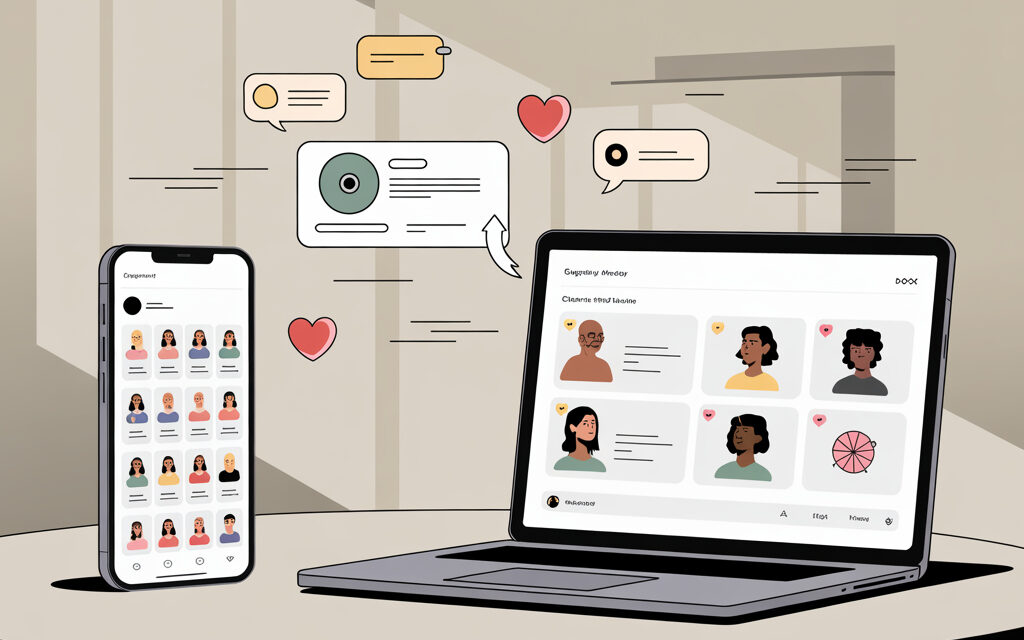
If the task is to quickly and transparently choose a winner from comments or likes, the easiest way is to use Lizaonair. This is the case when you don’t want to manually copy usernames, clean duplicates, and argue with your audience. Below are short scenarios where you won’t hit social media limits or face extra questions after publishing.
In practice, people most often do this: they fix the rules in advance, collect the link to the post, launch the giveaway in Lizaonair, and publish a link to the public results page. It’s important to check one often-forgotten detail: how you will verify the fulfillment of conditions like following or reposting. Decide right away what the service checks automatically and what you’ll check manually.
When to use Lizaonair, and when not to
If you need something simple and fast – take Lizaonair. In this format, the service essentially works as a Free Instagram giveaway program, allowing you to choose winners from comments or likes without manual counting and extra technical steps. If the conditions are complex and half the audience has private accounts – it’s better to simplify the mechanics. Below is a comparison of methods with real pros and cons.
| Method | Best for | Pros | Cons |
|---|---|---|---|
| Lizaonair | Comments, likes, list of authors – Instagram, TikTok, VK, YouTube | Fast, has a public results page, can choose multiple winners | Complex conditions like checking follows on private pages – manual |
| Manual collection + Excel | Small giveaways up to 100 participants | No services, full control | Time-consuming, many errors, transparency questions |
| Bots/chats | Gathering participants in one place | Convenient if audience is used to a bot | Not everyone likes bots, platform-specific |
What to prepare in advance
Here, people usually make the same mistake – they launch the giveaway and then remember about conditions and verification. Below is a short checklist that saves time.
| Step | What to do | Why it’s important |
|---|---|---|
| Rules | 1-2 conditions max – comment, like, follow | Complex conditions heavily reduce participation and hinder verification |
| Post link | Get the direct link to the post/video, not the profile | The service needs an exact collection point for comments/likes |
| Deadline | Fix the date and time by timezone | Prevents disputes about whose comment “made it in time” |
| Verification method | Decide – what the service checks, what you check manually | Avoids surprises during the live announcement |
| Result publication | Ready post wording + place for the results link | Saves time on giveaway day |
Quick scenario – choose a winner in 5 minutes
This scenario is suitable when you need something simple and straightforward. One post, one condition, 1-3 winners.
For the standard mechanics with comments and likes, it is important to understand the logic of actions and the order of steps in advance, so it is useful to rely on practice describing How to run a giveaway on Instagram, without unnecessary conditions, delays, and controversial checks.
- Open Lizaonair Giveaway Randomizer.
- Choose the platform – Instagram, TikTok, VK, or YouTube.
- Paste the link to the post or video.
- Specify the selection source – comments, likes, or list of authors.
- Set the number of winners and, if needed, backups.
- Launch the giveaway and get the public results page.
- Save the results link – publish it in the results post.
Detailed instructions by platform
In practice, people most often choose from comments under a specific post. If following is a rule, manually check the winner’s profile, especially if it’s private.
- Copy the link to the Instagram post.
- In Lizaonair, select Instagram and the source – comments or likes.
- Specify the number of winners and backups.
- Launch the selection and save the results link.
- Verify condition fulfillment – if not met, use a backup winner.
TikTok
For TikTok, it’s more convenient to choose from comments under the video. If you asked to tag a friend – spot-check comment texts.
- Get the direct link to the video.
- Select TikTok in Lizaonair and specify the source – comments.
- Set winners and backups, launch the giveaway.
- Save the link to the public page and attach it to the results post.
VK
In VK, people often ask for a like and a comment. It’s better to decide in advance what to select by – comments or likes – don’t mix them in one giveaway.
- Copy the link to the post in the community or on the wall.
- Select VK and the source – comments or likes.
- Specify the parameters, launch the winner selection.
- Do a quick manual condition check if that was agreed.
YouTube
Classic scenario – selection from comments under the video. If you asked for a subscription – check manually, as some subscriptions are hidden by users.
- Copy the link to the YouTube video.
- In Lizaonair, select YouTube and the source – comments.
- Set the number of winners and backups.
- Launch and save the link to the public results page.
What the service checks, and what is better to check manually
To avoid arguing with the audience later, state in the rules what is checked automatically. The rest – a quick manual check.
| Action | Automatic | Manual check | Comment |
|---|---|---|---|
| Selection from comments | Yes | No | The service pulls comments from the post/video |
| Selection from likes | Yes | No | Suitable if the condition is a like under the post |
| Follow check | Partially | Yes | Private profiles and hidden follows – manually |
| Checking for tagging a friend in comment | No | Yes | Spot-check comment texts |
| Choosing backup winners | Yes | No | Plan for 1-3 backups immediately – saves time |
Result transparency – publishing the public page
The easiest way to avoid disputes is to provide a link to the public results page. The audience sees how the winner was chosen and how many there are in total.
- After the giveaway, copy the link to the public results page.
- In the results post, write briefly – “results via the link,” insert the URL.
- Save a story/post with the link pinned – so it’s easy to find later.
- If doing a live broadcast – open this page on screen and save the recording.
Typical mistakes and how to avoid them
Usually the same things happen here – wrong post, wrong conditions, unfixed deadline. The table below covers these points.
| Mistake | How it manifests | How to do it right |
|---|---|---|
| Profile link instead of post link | Service doesn’t find comments | Get the direct link to the needed post/video |
| Too many conditions | Few participants, long verification | 1-2 conditions – comment and like is enough |
| No backup winners | Winner doesn’t qualify – giveaway stalls | Set 1-3 backups in the settings right away |
| Deadline not fixed | Disputes about whose comment was “on time” | Specify date and time in the rules and stick to it |
| Deleting post before publishing results | Cannot verify comments and results link | Don’t delete the post until publication and for 7 days after |
Sometimes low activity under a post is not related to giveaway conditions, but to reach limitations. In such cases, it’s important to know exactly how to check if you are shadowbanned or not before changing the mechanics or format.
Platform scenarios – what to prepare
To avoid rechecking ten times, keep a list of what you need for each platform handy. This way you won’t forget about the link format and specifics.
| Platform | What you need | Selection source | Specifics |
|---|---|---|---|
| Link to the post | Comments or likes | Manually check the winner’s follow status | |
| TikTok | Link to the video | Comments | Participants often change usernames – verify by avatar |
| VK | Link to the post | Comments or likes | Don’t mix likes and comments in one giveaway |
| YouTube | Link to the video | Comments | Subscriptions are often hidden – word the rule carefully |
Checklist before publishing the results post
Two or three points will save you from DMs and comment threads. Go through the list and publish.
- The link to the public results page is copied and works.
- The winner is verified against the conditions, backups are ready.
- Post wording is brief: who won, what to do next, the link.
- Screenshot/recording of the selection process is saved.
- The prize handover scenario is agreed – how and when you deliver the prize.
Short answers to frequent questions
If you need to quickly turn off annoying questions – keep these answers handy. These are common cases that most often come up.
- Can you choose multiple winners – yes, set the number before launching and add backups.
- What about private accounts – follow conditions for such profiles are checked manually.
- If the winner didn’t meet conditions – use the first backup and note this in the post.
- Where to see the results – provide the link to the public results page and save a story with the results.
Summary
For giveaways of the “comment under the post – we choose and publish” format, Lizaonair solves the task quickly. You take the post link, set the parameters, get a public page, and immediately give it to the audience. Without manual digging and unnecessary arguments.
It’s better to simplify complex conditions – so verification doesn’t drag on. Plan for backup winners, save a recording of the process, and always publish the results link. This saves time for both you and the participants.
Which platform are you on and how many winners do you plan to choose – I can suggest a quick scenario for your case.