This is a calm, no-nonsense breakdown: how to organize your team’s work in the familiar Telegram, bring order to chats and tasks, and not miss deadlines. I’ll share what actually works for me and people I know, without complex schemes or paid monsters.
You’ll get a short answer, simple steps, a couple of stories, a table with settings, and a startup checklist. All in plain language.
The Short Answer
Use chats for projects, channels for announcements, topics for different areas, bots for tasks and reminders. Store files in the cloud and share links in the chat. Agree on two rules: how to name tasks and how to confirm completion. This is enough for a small team to get into a rhythm.
Where to start if the team is already on Telegram?
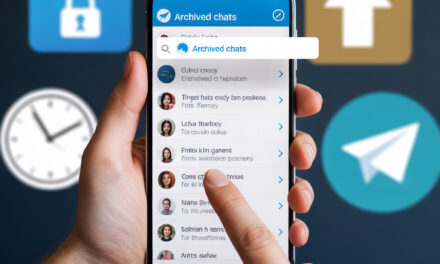
Usually, you start simple: clean up the chats and separate communication into announcements and discussions. No-spam channels, topics in groups, pinned messages, and reminders help. In the first days, it’s important to explain where we discuss tasks, where we throw files, and how we mark deadlines. This creates less chaos and people don’t get lost.
Step 1 – One chat per project and one channel for news
Chat – for questions and discussions. Channel – for announcements so no one misses anything important. You can enable comments for the channel, but it’s better to keep it clean.
Step 2 – Topics in a group for different areas
Create topics: design, development, content, finances. This is a built-in feature, and it perfectly saves you from a dump of messages.
Mini-story
I once had 12 people in a chat and three focus areas. After creating topics, messages stopped getting lost, and questions about payments no longer drowned among tasks for layouts. It sounds minor, but it saves hours.
How to use Telegram for project management without extra services
You can manage without a separate task manager: just chats, topics, pins, and bots are enough. Reminders work for deadlines, short daily status reports for progress, and links to Google Drive with descriptive naming for files. If you want to scale, Trello or Jira can be added later, but don’t rush.
Mini task format – so everyone understands each other
Introduce an agreement: a task starts with a prefix, e.g., [Task], [Question], [Blocker]. Inside – what to do, by when, and who is responsible. Example: [Task] Update cover – by Friday – @maria.
How to mark completion
Agree on a checkmark reaction or a short reply “Done” + link to the result. This eliminates unnecessary clarifications and arguments.
How to set up chats, channels, and topics to not lose tasks?
Start with names: short and clear, e.g., Project Pizza – Design. Enable only necessary notifications, pin the rules and useful links. Use pins for the weekly task list and a link to the board if you have one. Topics in large groups are a must-have.
Pins as a control panel
Pin: task format rules, deadline table, link to the shared calendar, daily report template. This helps new members integrate faster.
A small Friday ritual
On Fridays, update the pinned tasks for the next week. I’ve noticed this reduces anxiety and helps ease into Monday.
How to manage tasks, deadlines, and reminders right in Telegram?
There are several options: built-in reminders, list bots, and mini-kanban. Personal saved messages work as an inbox where you capture ideas, and timed reminders help. For the team, it’s convenient to mark deadlines in a shared calendar and duplicate them with a reminder in the chat a day before.
Built-in reminders
Set a reminder on any message – and it will pop up at the right moment. Convenient for personal tasks and timed deadlines.
Bots for lists
You can connect a simple bot with task lists and assignees. The main thing is not to overdo it; one bot per project is usually enough.
Mini-story
A friend had this: a team of five people, a bot maintained a task list, and reminders were set for key items. After two weeks, they stopped duplicating questions, and things became calmer.
Which bots and integrations are worth adding without development?
Most often, bots for tasks, reminders, polls, and integrations with a calendar or cloud help. It’s good when a bot can assign a responsible person, set a date, and mark a status. For the calendar, use a shared Google Calendar and send reminders to Telegram.
Minimalist kit without overload
A reminder bot, a polling bot for quick decisions, and one task-list bot. This covers 80% of cases.
Links to documentation
You can read about bot capabilities in the Telegram FAQ: FAQ and for the curious – the section about bots: Bots.
How to store files and versions so everything can be found in a minute?
It’s better not to keep originals in chats. Store them in Google Drive or another cloud, and throw a link with a short description and date into Telegram. For versions, simple naming helps: 2025-01-15_banner_v3_final. In the pin, place a link to the project’s root folder and naming rules.
File message template
[File] Spring banner – Design folder – v3 – deadline Fri – link. Four words, but saves a lot of search time.
How to secure chats and access so you don’t worry?
Security in everyday use is about chat permissions, two-factor authentication, and clean roles. Add people by invitation, limit message deletion, and disable unnecessary permissions. Enabling app lock and PIN is useful. For general hygiene, password checks and backup admins come in handy.
Quick security steps
Enable two-step verification, set separate admin permissions for channels and groups, keep a list of who is responsible for what. The Cyberpolice and CERT-UA websites regularly publish useful recommendations: cert.gov.ua.
When Telegram becomes too tight – what to connect alongside?
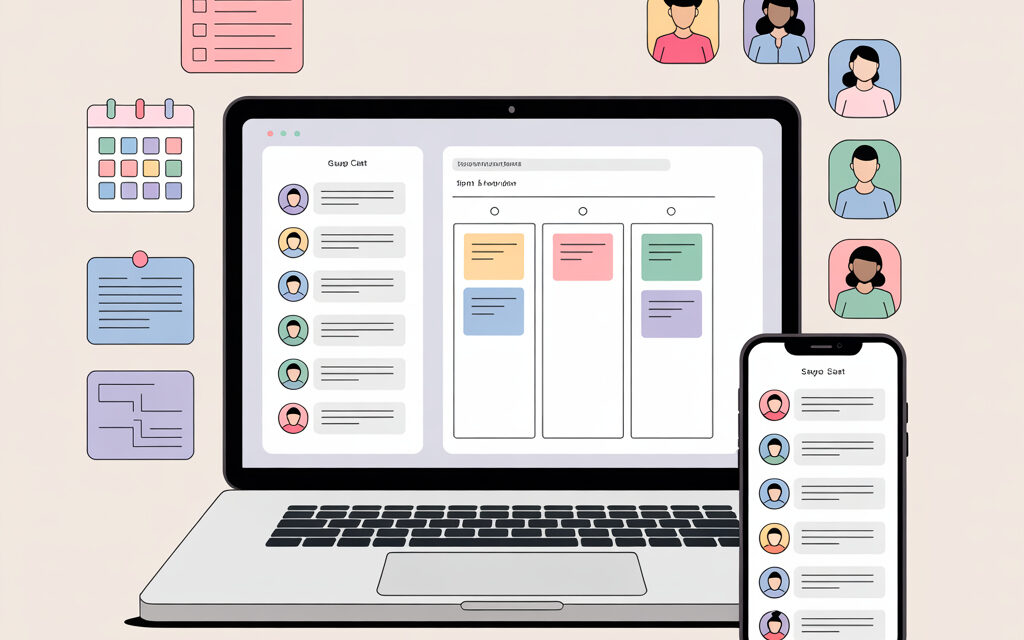
If you have many projects, add a light board like Trello for kanban or Jira for complex processes. Keep Telegram for communication and quick decisions, and keep systematic tasks on the board. Pin the board link in the chat and agree on updates.
Soft connection
We discuss in the chat, tasks live on the board, once a day – a short update in the “Status” topic. In my opinion, this is better than trying to cram everything into messages.
How to use Telegram for project management in a small team
In a small group, one chat per project, an announcement channel, topics by role, and a simple bot are enough. Four rules: a unified task format, weekly pin updates, calendars with reminders, and clear access rights. This keeps the project alive and doesn’t overload people.
A routine that usually helps
Monday – week’s goals in the pin. Wednesday – 10-minute mini-sync. Friday – what’s done and deadlines to move. Nothing extra.
Quick project setup table
| What to set up | Why | How to do it | Note |
|---|---|---|---|
| Project chat | Discussions and questions | Create a group, set rules in the pin | Topics by area |
| Announcement channel | Important news without noise | Create a channel, limit posting | Comments can be enabled |
| Reminder bot | Don’t forget deadlines | Set reminders for key tasks | Don’t overload with frequency |
| Shared calendar | Visibility of deadlines | Create in Google Calendar, grant access | Duplicate important items to the chat |
| Cloud folder | Versions and order | File structure and naming | Link in the pin |
30-minute startup checklist
- Rename the project chat and add a description
- Create an announcement channel and invite the team
- Enable topics and create 3-4 areas
- Pin task format rules and link to the folder
- Connect one reminder bot and test it
- Create a shared calendar and add key deadlines
- Enable two-step verification for admins
- Agree on a short Friday report
Where we most often make mistakes and how to fix them
Many face bot and rule overload. Usually, cutting the excess and leaving one channel, one chat, 3-4 topics, and one bot helps. Another mistake is storing original files in chats. In my opinion, it’s better to go straight to the cloud and only share links in the chat.
Self-check
Look at the pin. If there are more than 7 links – remove everything secondary. If there are more than two bots – reduce to one. It will be easier to breathe.
Micro-FAQ
Short answers to common questions.
Can Telegram completely replace Trello?
For a small project – yes, with a bot and topics. For larger ones – a combination is better: tasks on a board, communication in Telegram.
What to do if you have five or more projects?
Each project gets its own chat and channel. For common tasks – a separate “Ops” chat. And a shared calendar for all deadlines.
How not to lose files and versions?
Store in the cloud, use date and version naming. In the chat – only links and a short description.
Does all this work if people are in different time zones?
Yes, just agree on quiet hours and set reminders according to each participant’s time. Asynchronous reports help.
What about communication security?
Enable two-step verification, check group permissions, don’t give admin rights to everyone. Useful materials on cyber hygiene are available from CERT-UA: cert.gov.ua.
Key takeaways from the article
Start small: chat, channel, topics, pin with rules, one bot, and a shared calendar. Agree on a task format and completion mark. Don’t complicate things until there’s a real need for new tools.
In short – how to use Telegram for project management today
Gather communication in one place, reduce noise, keep deadlines visible, and don’t store originals in chats. The rest comes with growth. If you want, share how it worked out for you.
Glossary
- Chat – a group for discussions within a project
- Channel – a feed for announcements without spam
- Topic – a separate message thread in a group
- Bot – a mini-service inside Telegram
- Deadline – the final date for task completion
- Pin – an important message at the top of the chat
- Kanban – a visual task board by stages
- Inbox – a place where you store unprocessed ideas
- Cloud – external file storage
- Two-step verification – additional login protection